What Is a DWS System? Dimensioning, Weighing and Scanning Explained
Learn how a DWS system combines parcel dimensioning, weighing and scanning to create a validated record for warehouse and shipping workflows.
Sep 06,2026 | Jasper Lee

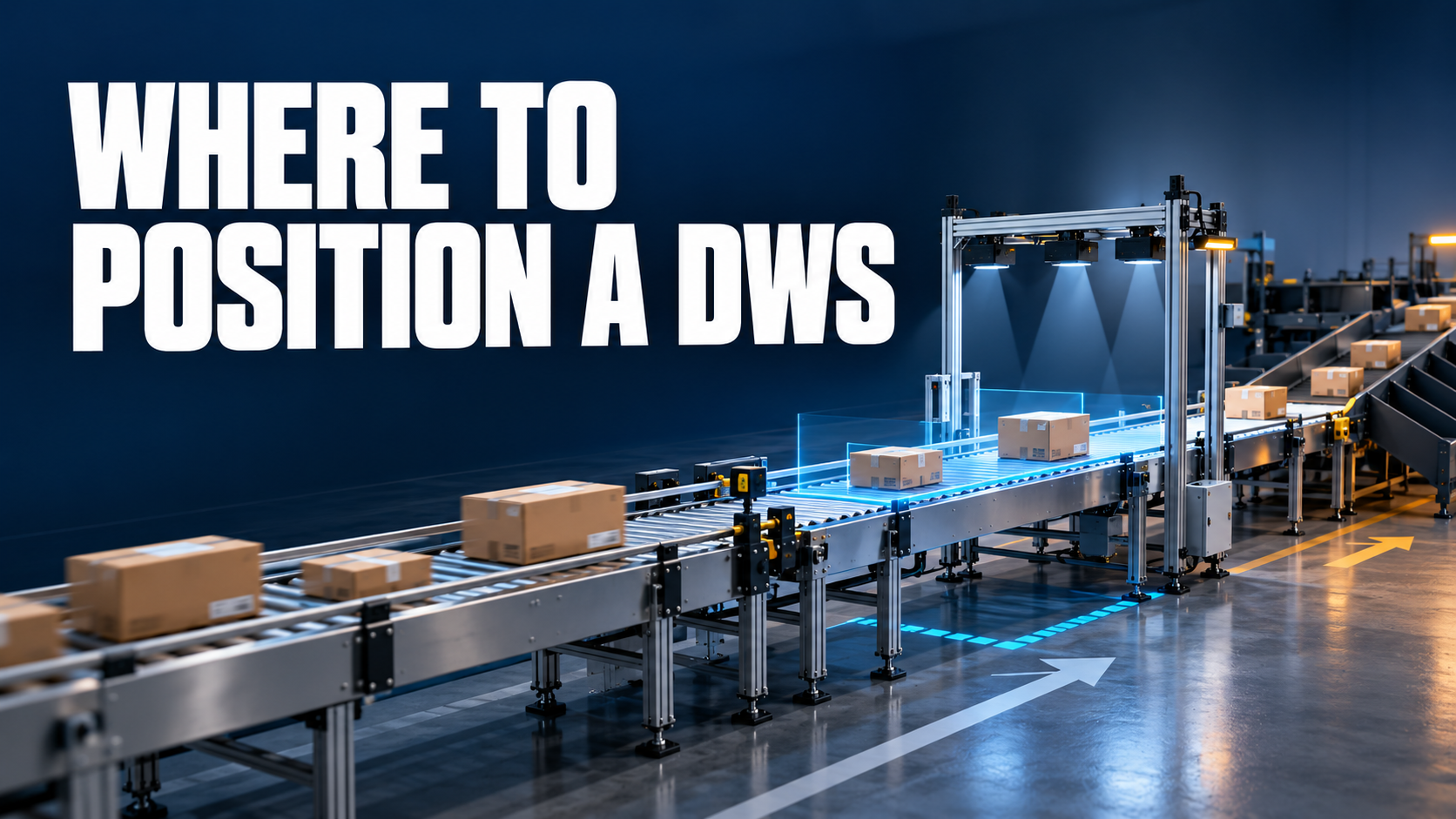
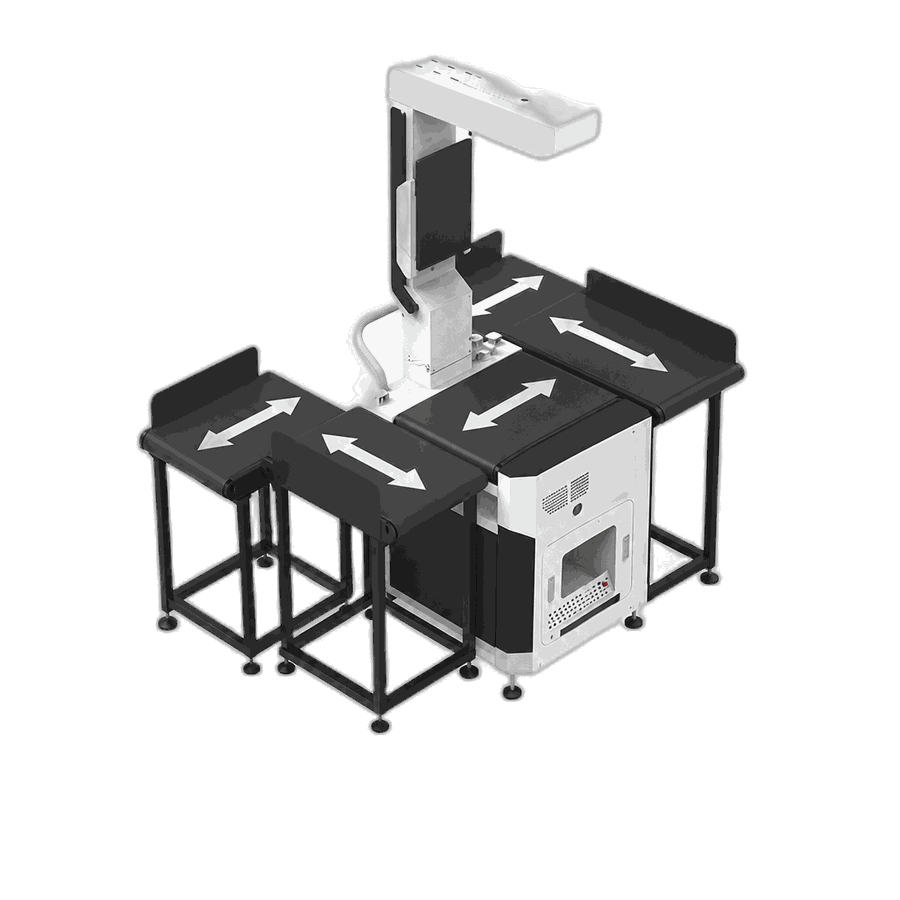
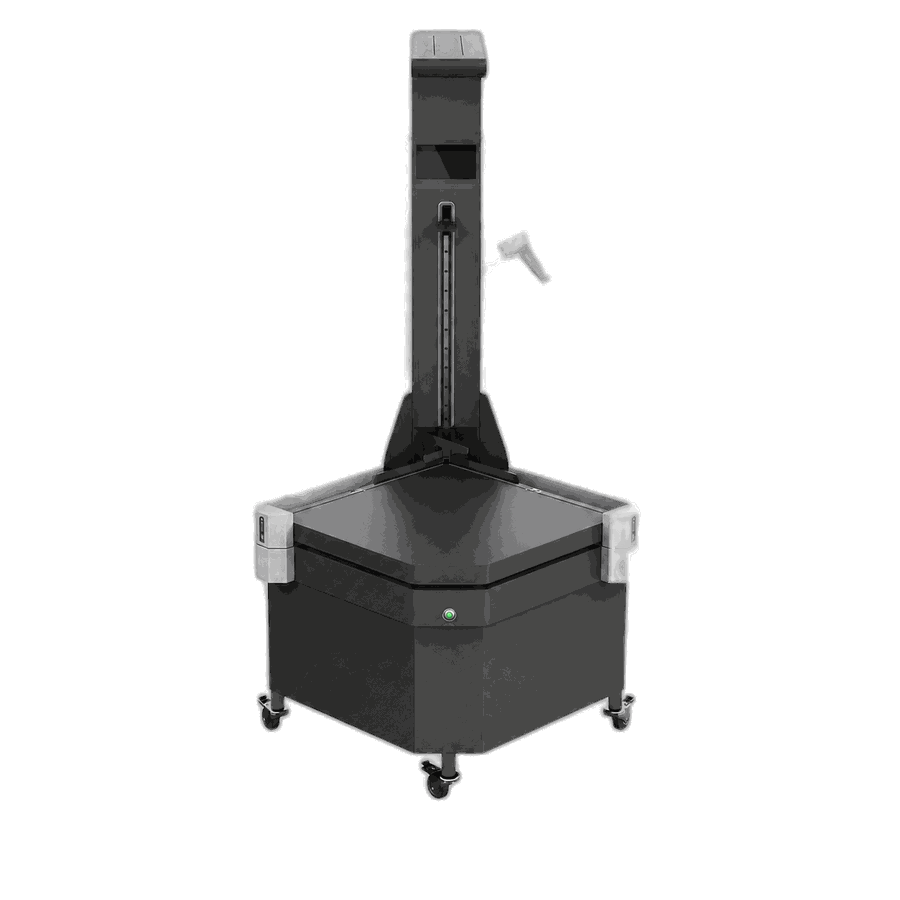
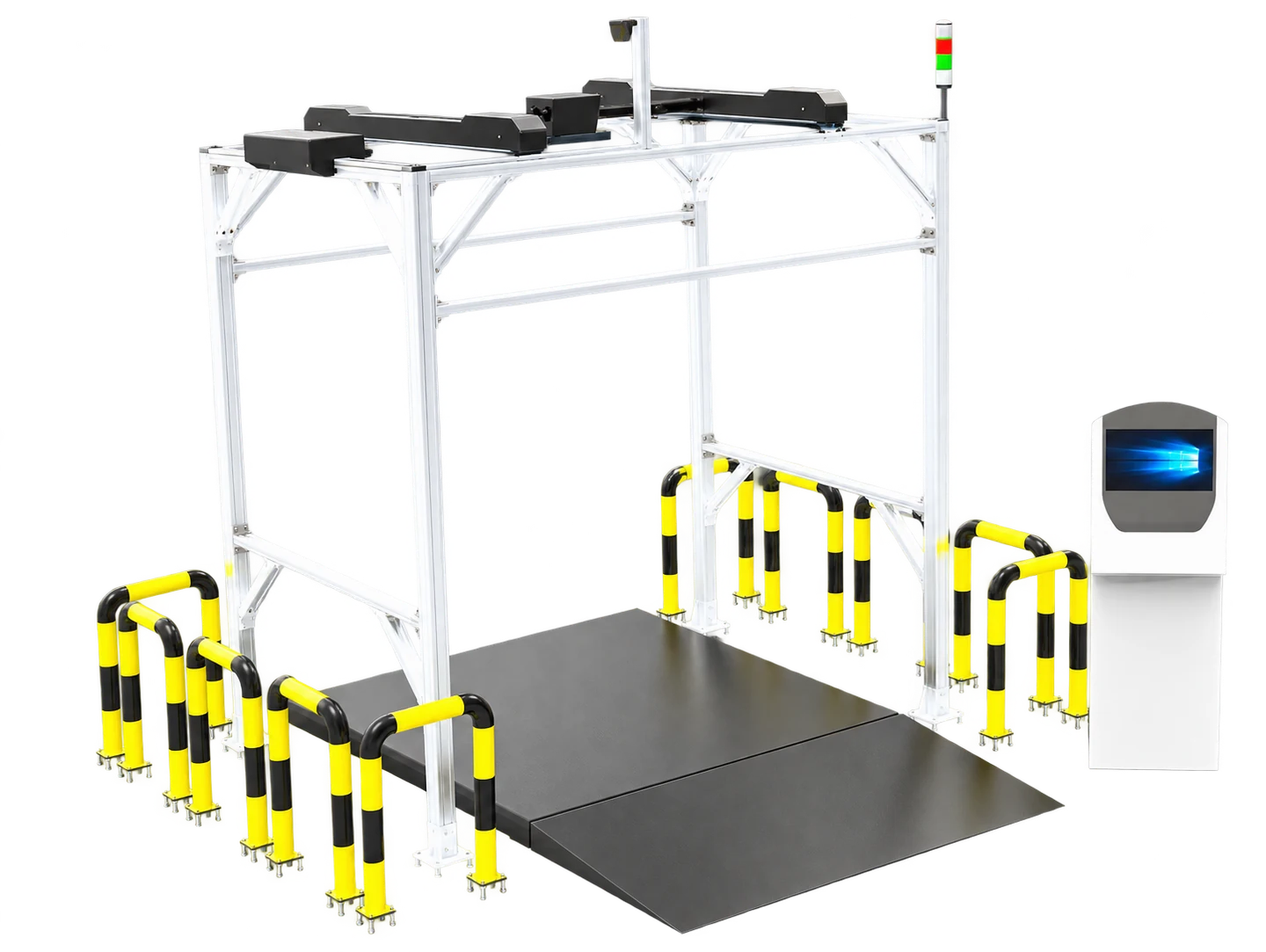
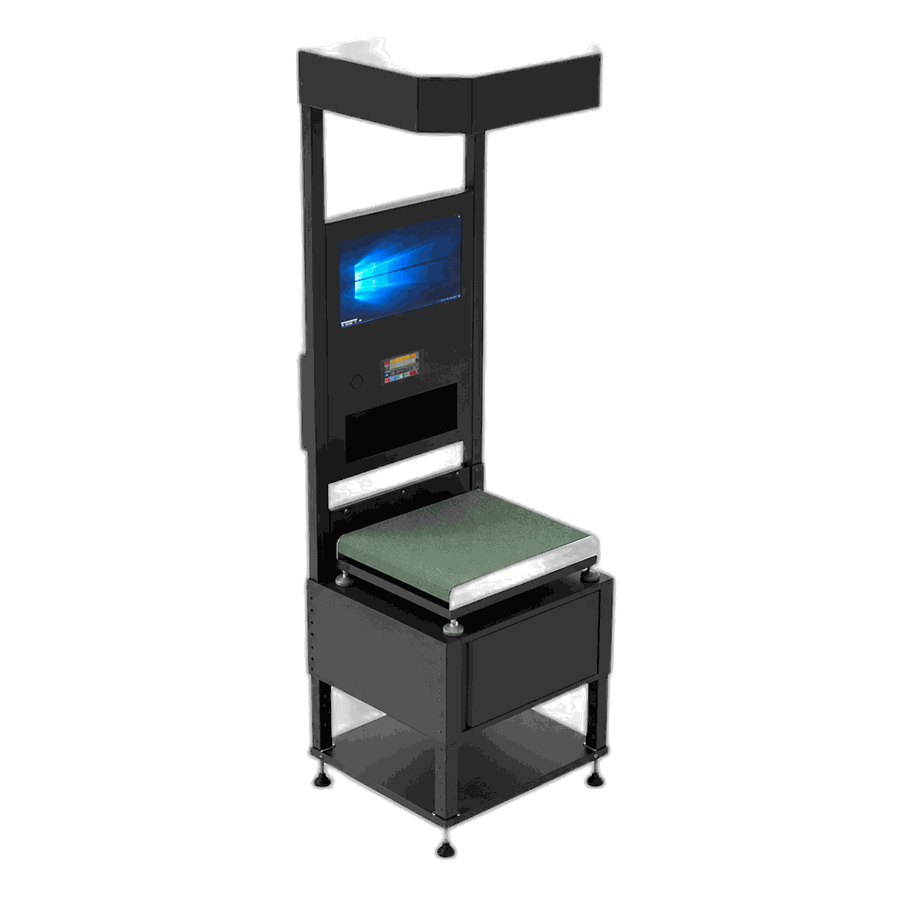
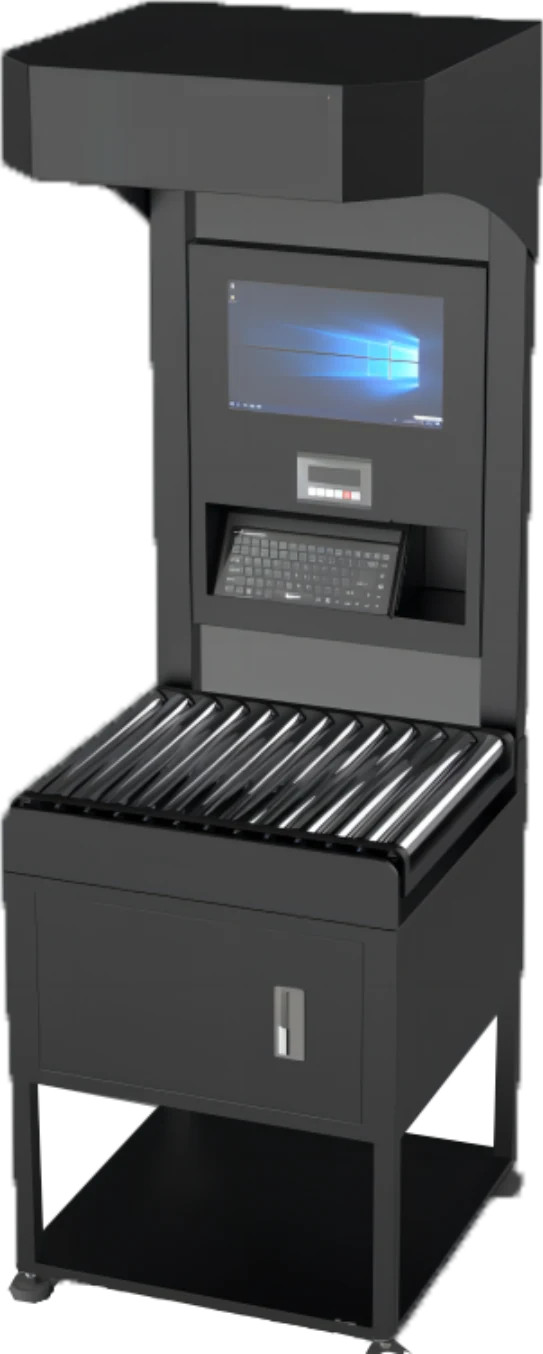
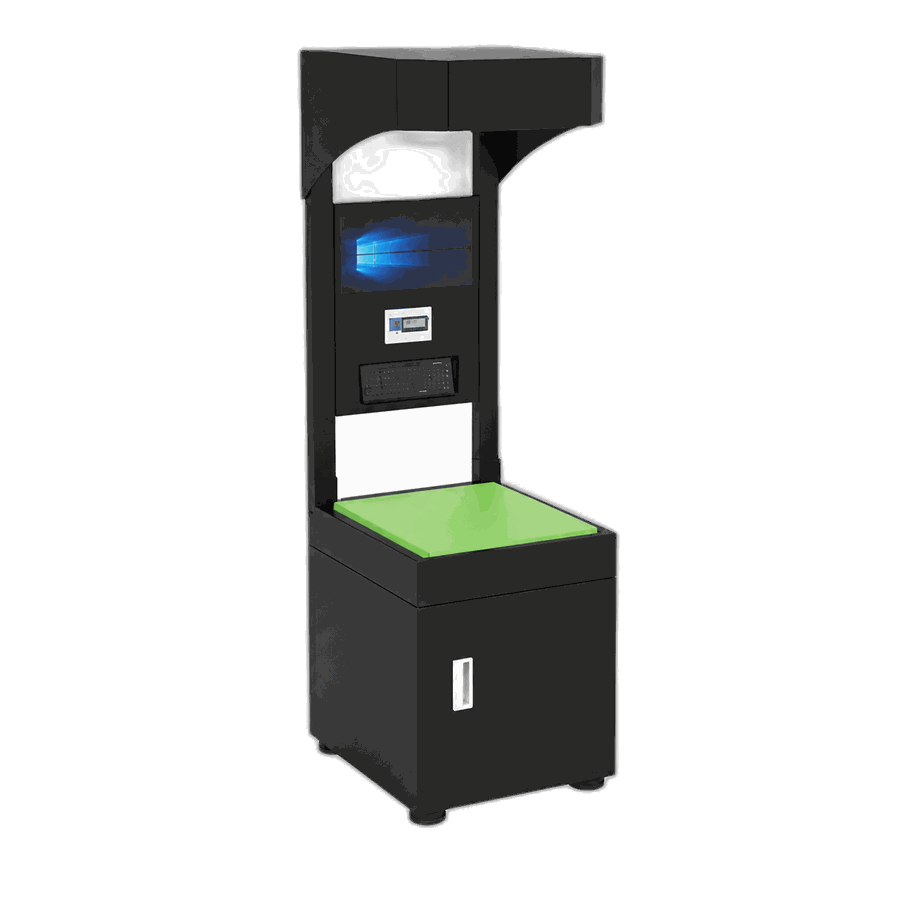
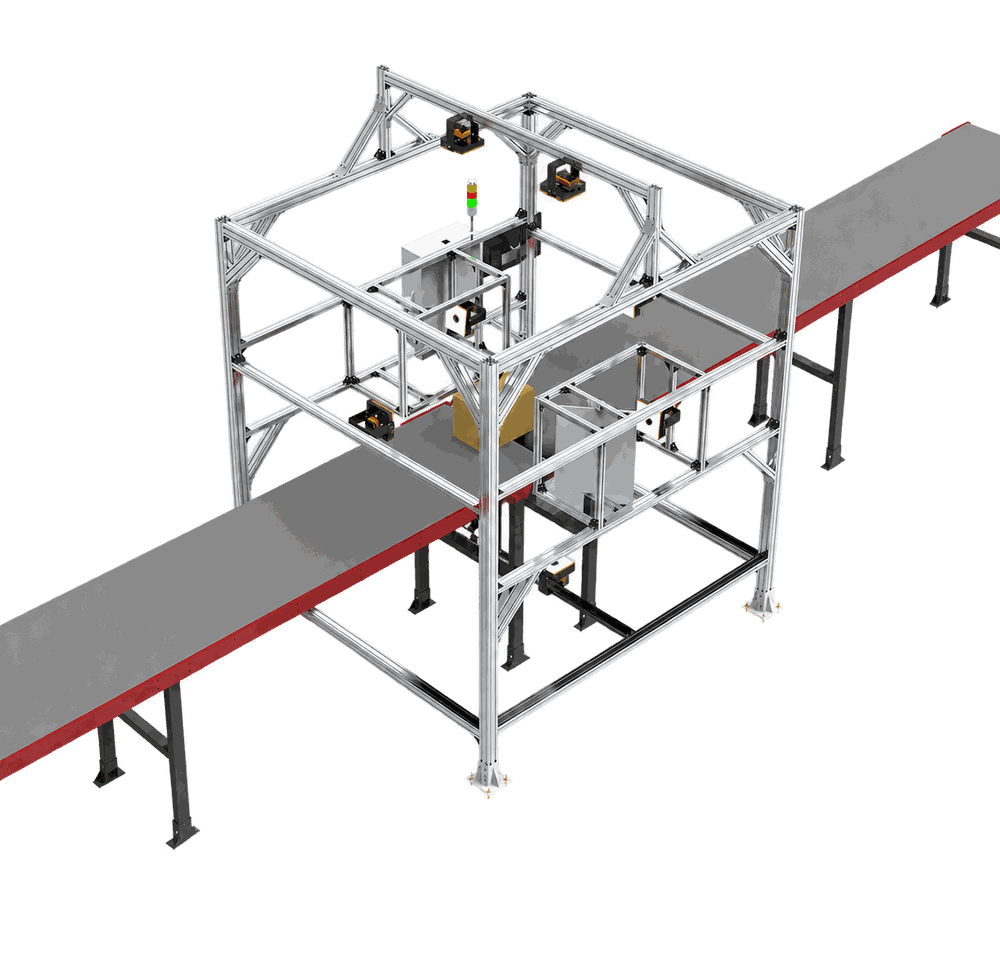
Direct answer: A DWS system combines dimensioning, weighing and scanning in one parcel-data workflow. It identifies an item, measures its length, width and height, records its weight, and binds those readings to the same parcel ID. Software then validates and sends the record to a warehouse management system (WMS), warehouse control system (WCS), transportation system or another business application. A DWS may be static, with an operator presenting each item, or dynamic, with parcels captured while moving on a conveyor.

DWS means dimensioning, weighing and scanning
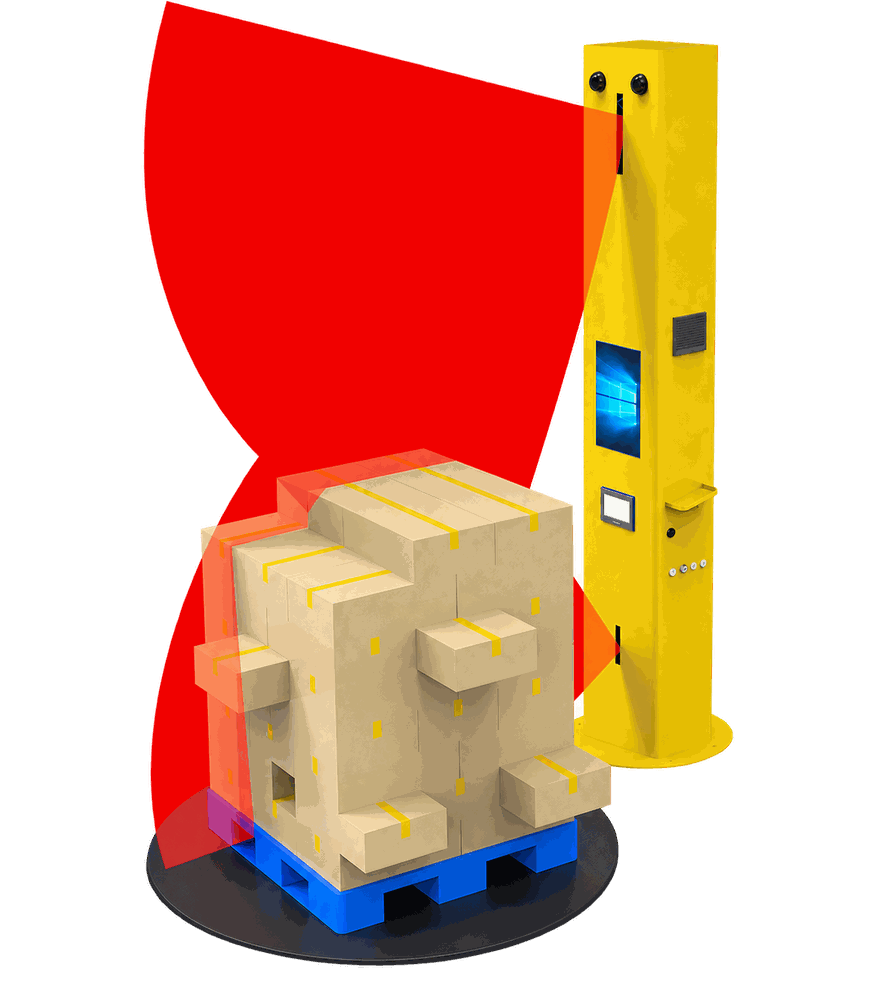
The abbreviation describes three related functions. Dimensioning captures the parcel's external length, width and height. Weighing records actual mass. Scanning normally reads a barcode or other identifier so the physical readings belong to the correct shipment, handling unit or SKU.
The important word is system. A parcel dimensioner is the measurement subsystem; a complete DWS also binds that measurement to identity, weight, validation and downstream handoff. METTLER TOLEDO's DWS guidance similarly describes components controlled together and data merged by software.
DWS inputs and outputs
| Layer | Typical data | Why it matters |
|---|---|---|
| Physical input | Parcel in a defined capture zone | Creates a measurable object and reference surface |
| Identity input | Barcode, SKU, tracking or handling-unit ID | Binds readings to the correct record |
| Measurement input | Optical observations and scale reading | Produces dimensions and actual weight |
| Validated output | ID, L × W × H, weight, units and result status | Lets a downstream system accept or reject the record |
| Exception output | No-read, incomplete measurement or rejected message | Triggers remeasure, review or diversion |
What record does a DWS create?
The exact data contract depends on the operation, but a practical parcel record commonly needs:
- a parcel, shipment or item identifier;
- length, width and height with their unit of measure;
- actual weight with its unit of measure;
- a timestamp and capture-station identity;
- a result or validation status;
- optional shape, image or exception information;
- an acknowledgement showing whether the receiving system accepted the record.
This is more reliable than treating dimensions, weight and barcode as three unrelated outputs. If the identifier is unreadable, a measurement is incomplete, or the receiving system rejects the message, the operation needs an exception path rather than silently creating a partial record.
Static and dynamic DWS are two workflow choices
| Question | Static DWS | Dynamic DWS |
|---|---|---|
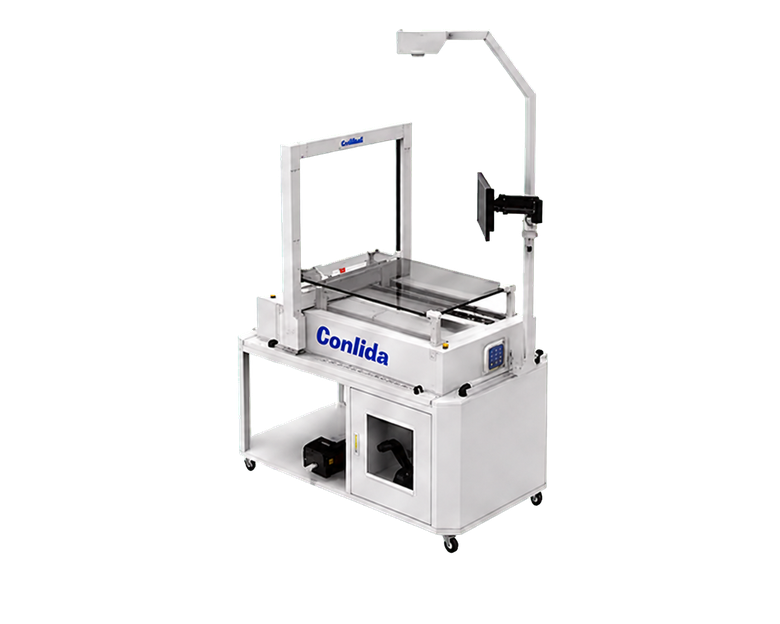
| How is the item presented? | An operator places or holds an item in a defined capture area. | The item moves through an inline capture zone. |
| Where does control sit? | At a workstation or receiving/shipping point. | Across conveyor, sensing, controls and downstream sortation. |
| What usually drives selection? | Manual handling, variable tasks and controlled presentation. | Automated flow, line timing, spacing and exception routing. |
Dynamic does not automatically mean better. The right configuration depends on parcel profile, peak flow, available space, how items are separated, what information must be captured and what happens when the system cannot accept a reading.
Where is DWS used?
DWS can act as a physical-data checkpoint at receiving, order packing, outbound shipping, a parcel hub, freight acceptance or before automated sorting. The business purpose changes by location: populate item master data, verify shipment data, support load planning, calculate dimensional weight, or give a sorter the information needed to route an item.
For dimensional-weight charging, carriers require accurate dimensions and weight under their own rules. USPS documents parcel dimension and weight rules and may apply a noncompliance fee when required dimension data is not supplied accurately. A DWS can support the capture process, but the applicable carrier rule and local legal-metrology requirements still govern.
What a DWS does not guarantee
A DWS does not, by definition, guarantee a particular accuracy, throughput, legal-for-trade status, compatibility or return on investment. Those properties belong to a specific configuration, parcel profile, installation and jurisdiction. They must be verified from approved model documentation and project requirements rather than inferred from the category name.
CONLIDA engineering note: bind before you optimize
The first design decision should be the identity-binding and exception logic, not a headline speed. A fast measurement that attaches to the wrong parcel—or cannot be accepted downstream—is operationally unsafe data. This workflow principle is the first-party information contribution of this article; it does not assert a model-specific performance result.
How to decide whether you need one
- Identify the operational decision that needs physical parcel data.
- Define the objects: cartons, polybags, irregular parcels, pallets or mixed freight.
- Define the required data and units, including the identifier that binds the record.
- Map the capture point and the system that owns acceptance or rejection.
- Specify exception handling before discussing nominal speed.
- Choose a static or dynamic configuration only after the workflow is clear.
Connecting DWS to a real operation
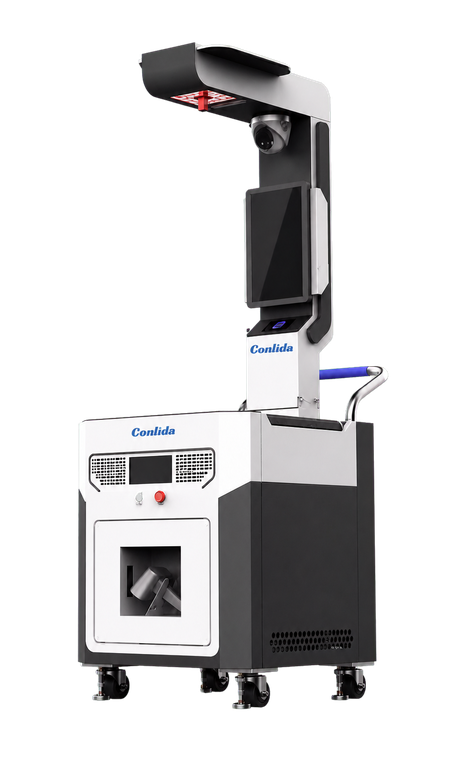
CONLIDA approaches parcel dimensioning as physical logistics data capture: identify the item, capture dimensions and weight, preserve evidence where needed, validate the result and deliver a usable record to the next system. The appropriate CONLIDA configuration depends on the items, workflow, automation level and integration contract; unsupported performance assumptions should not decide the design.
Explore parcel dimensioning and DWS solutions or discuss the capture point, data fields and exception path required by your application.
Sources
Comment