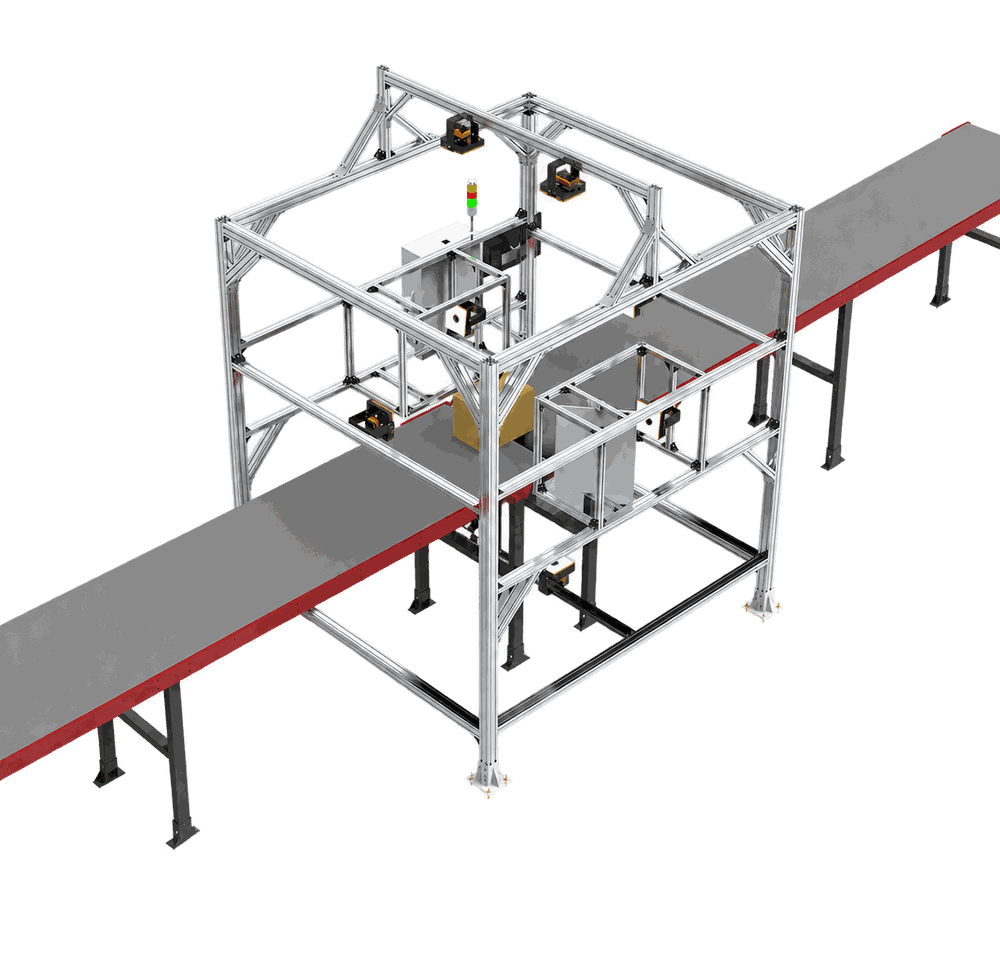
How Does a Parcel Dimensioner Work? From Physical Parcel to Usable Data
Learn how a parcel dimensioner observes, calculates, validates and sends parcel dimensions as part of a reliable DWS data-capture workflow.
Sep 07,2026 | Jasper Lee

Direct answer: A parcel dimensioner measures the external length, width and height of a parcel without a tape measure. A sensor observes the item inside a defined capture zone, software converts those observations into dimensions, and the result is bound to a barcode or other parcel identifier. In a complete DWS workflow, weight and scan data can be merged with the dimensions, validated, and sent to a WMS, WCS, TMS or shipping application.

The measurement starts before the sensor
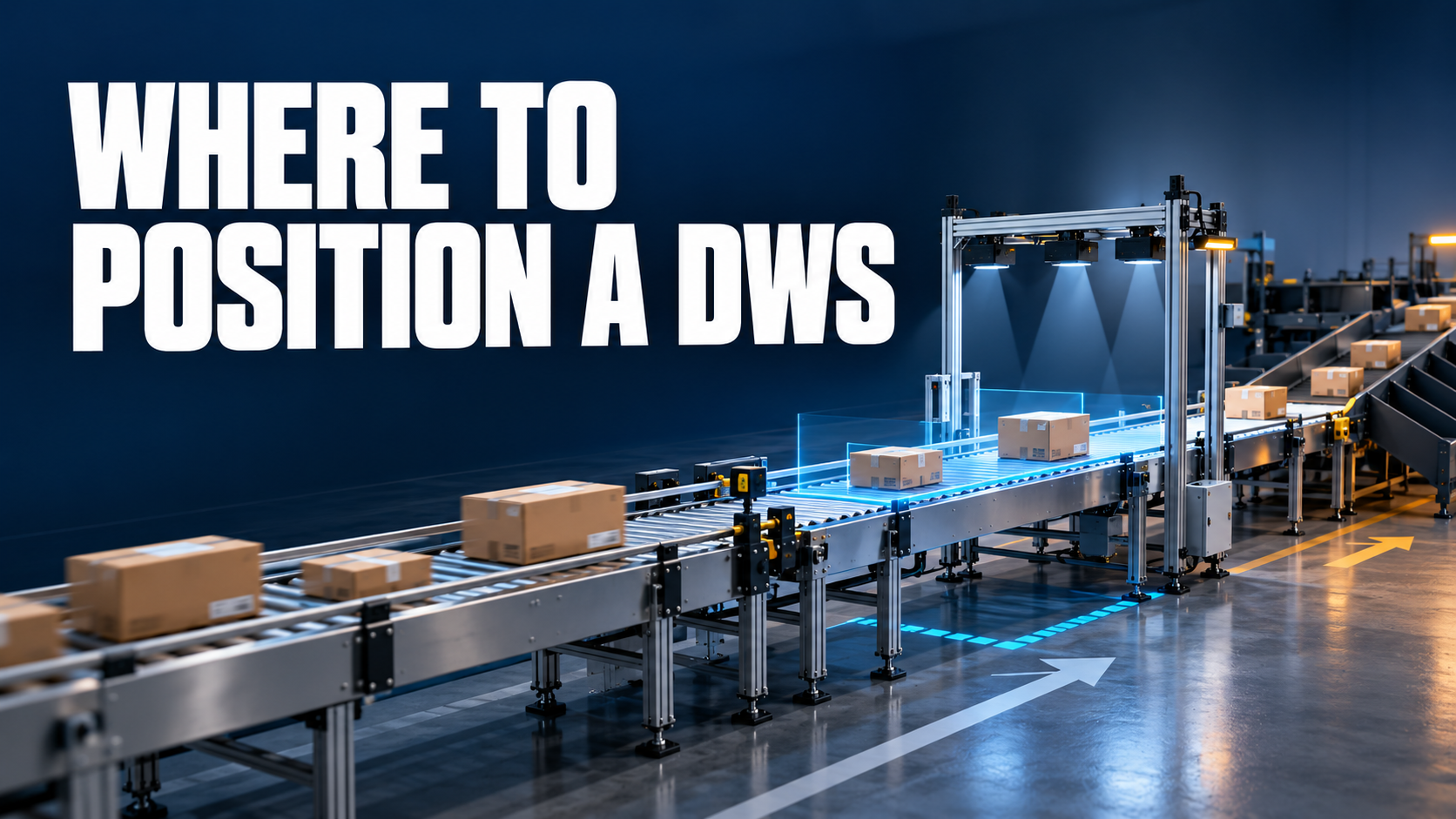
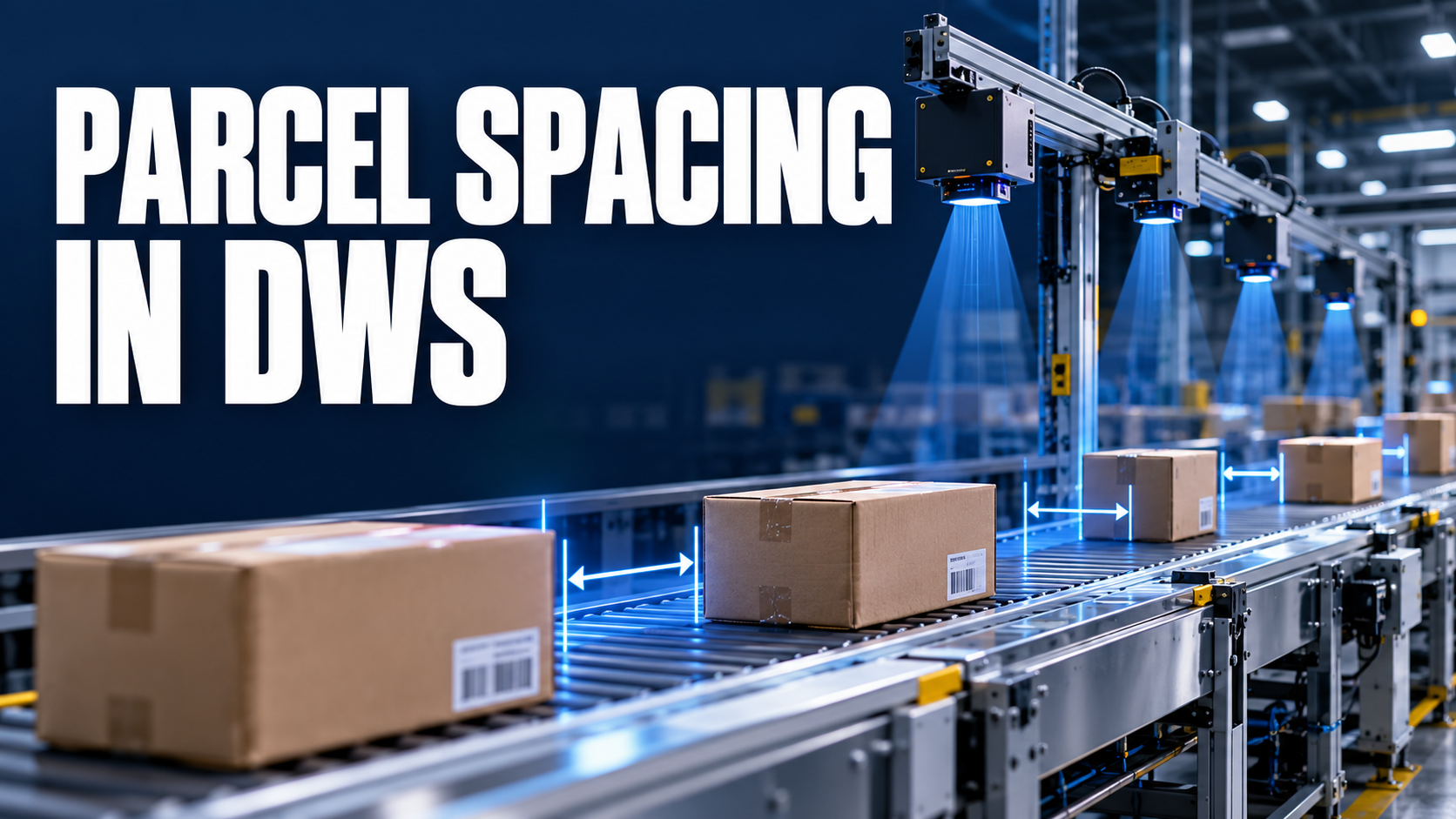
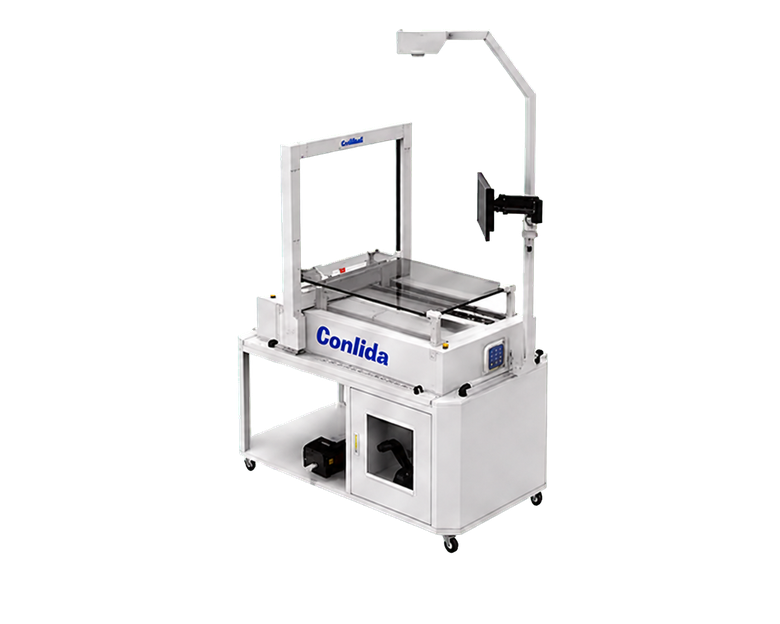
The first engineering question is how the object will be presented. A static station gives an operator control over placement and triggering. An inline system depends on conveyor motion, parcel separation and timing. If parcels overlap, move unpredictably or sit outside the capture field, data may be incomplete even when the sensor is operating.
CONLIDA engineering note: control the capture zone
A dimensioner does not measure an abstract SKU; it observes one physical item in one capture event. The workflow should make parcel presentation, identity confirmation and the remeasure route visible to the operator or control system. This first-party workflow observation explains why a no-read is an operational state, not merely a sensor statistic.
1. Present the parcel in a known capture zone
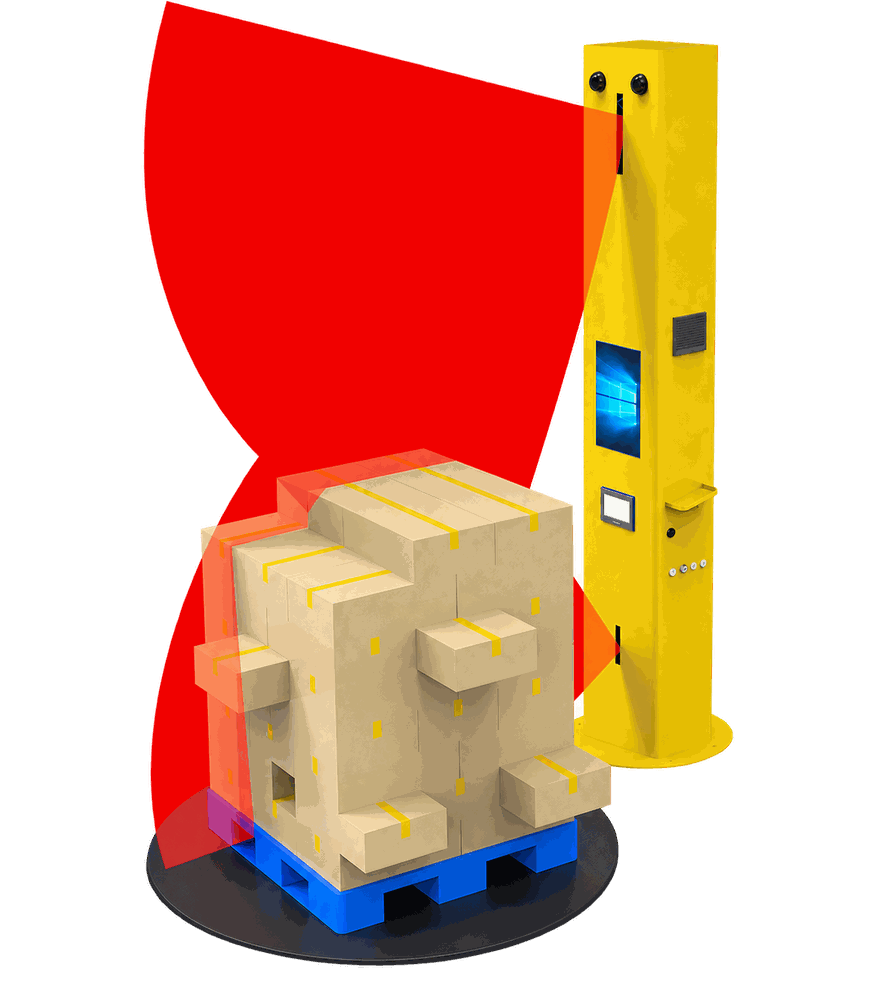
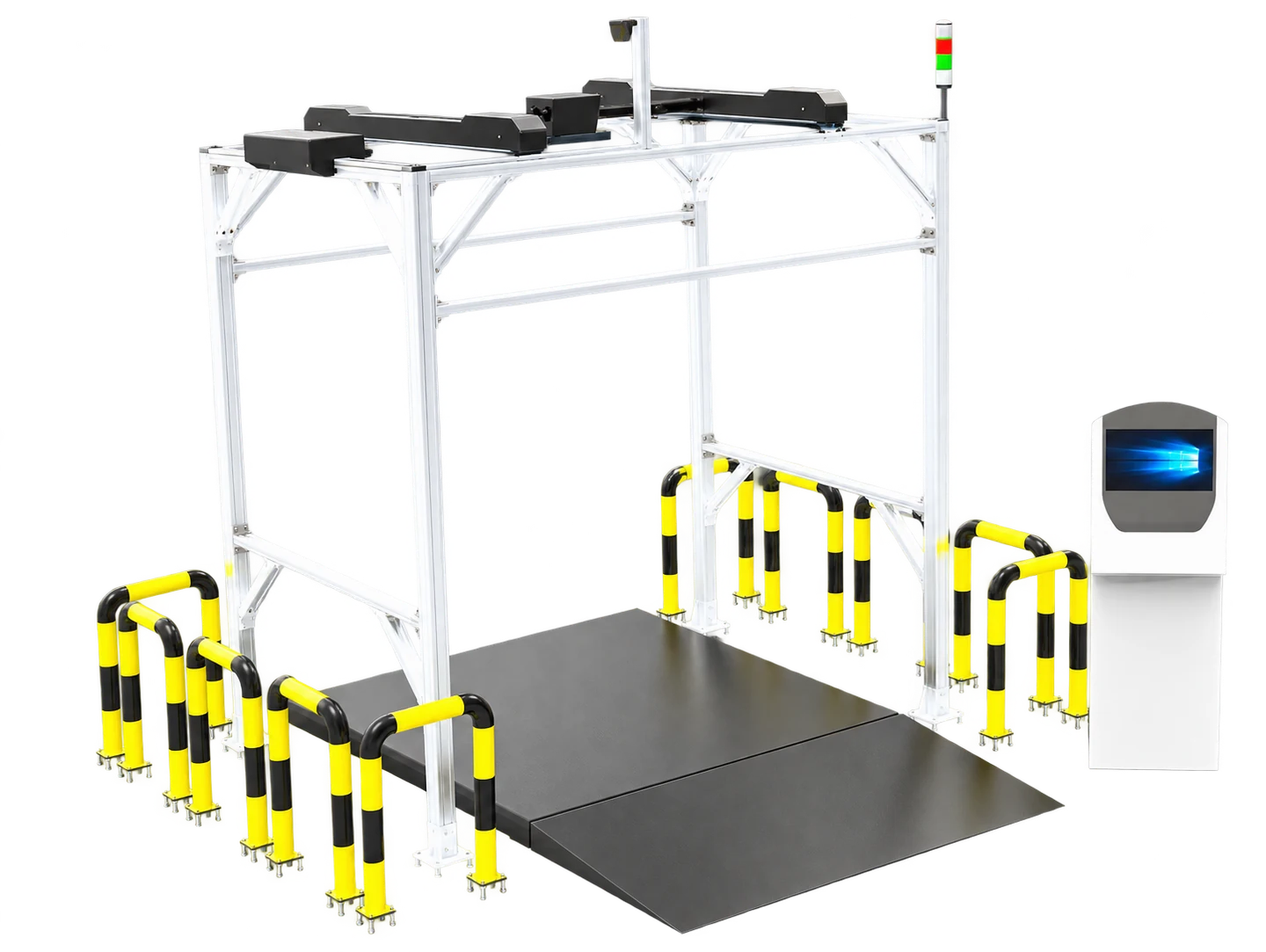
The system needs a defined field of view and a reference surface or coordinate system. Different technologies may use cameras, structured light, lasers or other optical methods. The selected method and configuration determine which parcel profiles can be handled; the category name alone does not establish performance.
2. Identify the physical object
A barcode, tracking number, SKU or handling-unit ID links the object to a digital record. Identification can occur before, during or after dimensioning, but the workflow must prevent one parcel's measurements from being attached to another. A no-read is therefore a process event, not merely a scanner statistic.
3. Observe the parcel envelope
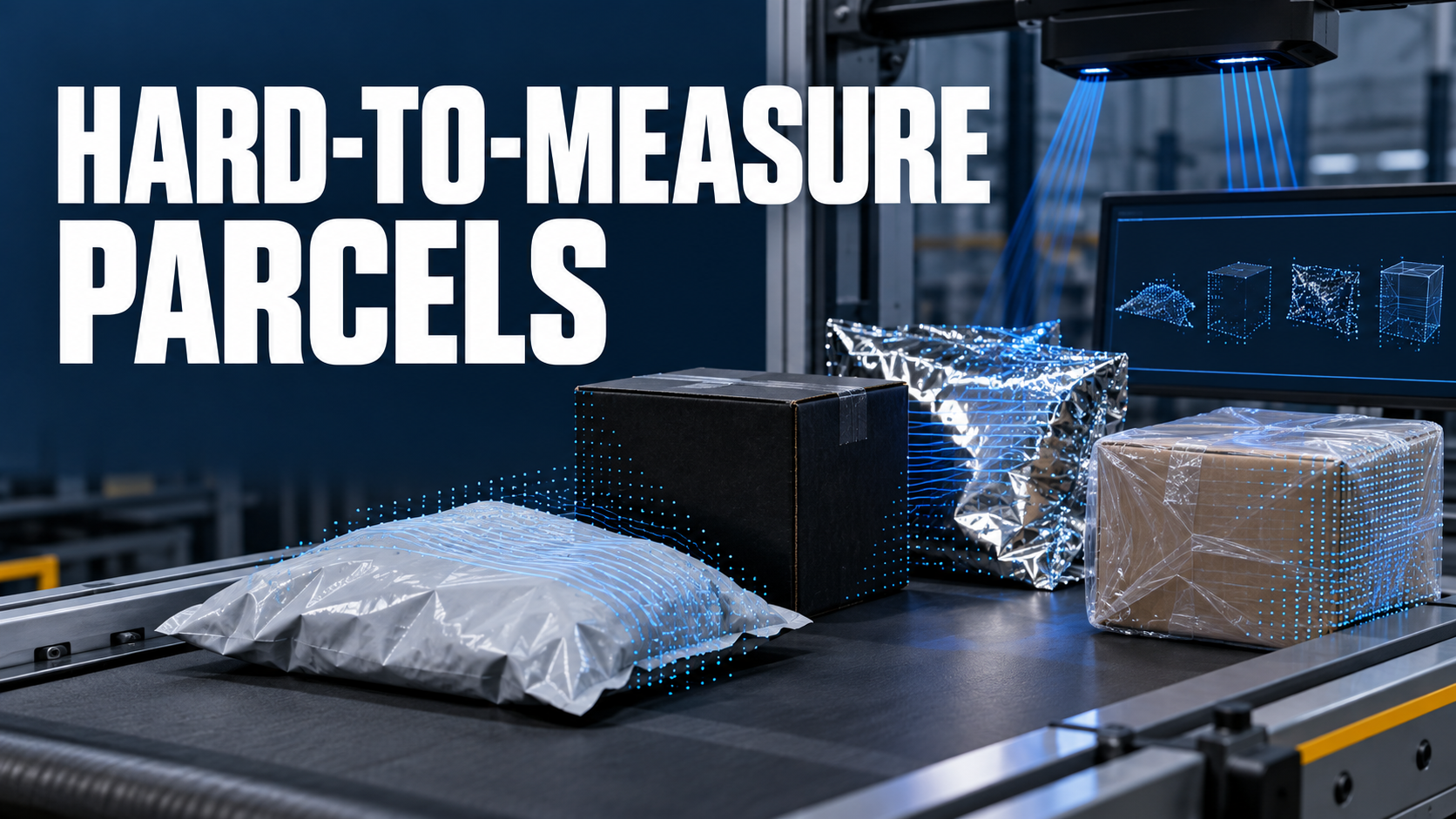
The dimensioning subsystem gathers spatial information to estimate the external envelope. A regular carton is commonly represented as length, width and height. Irregular, soft, reflective, dark or ultra-thin objects may require different sensing, presentation or validation rules. Identical behavior across every material must never be assumed.
4. Calculate and normalize the dimensions
Software converts observations into numeric values, assigns units, applies orientation and rounding rules, and may calculate volume. Downstream systems must know whether the values describe an individual item, case, parcel or another unit of measure. A number without object identity and unit context is unsafe business data.
5. Validate the result
Validation asks whether the record is complete and usable: Was an ID read? Are all dimensions present? Is the unit known? Did weight arrive? Is the object within the configured operating envelope? A failed check should create an explicit remeasure, manual-review or diversion event rather than silently passing partial data.
6. Send and acknowledge the record
The interface may be an API, message, file or controller exchange. It should define correlation, acknowledgement, retry and duplicate handling so a temporary failure does not create lost or repeated measurements.
What can dimension data support?
| Workflow | Use of dimensions | Required context |
|---|---|---|
| Shipping | Carrier rating and dimensional-weight inputs | Carrier rules and service |
| WMS receiving | Item or pack master enrichment | SKU and unit of measure |
| Sortation | Eligibility or routing decisions | WCS rules and exception route |
| Load planning | Cube and capacity inputs | Accepted data model |
What should a buyer specify?
- parcel shapes, surfaces and size distribution;
- static or moving presentation;
- peak flow and spacing conditions;
- required identifier, dimensions, weight, image and status fields;
- units, rounding and acceptance rules;
- the receiving system and acknowledgement behavior;
- what happens after no-read, incomplete measurement or rejected data.
From measurement to a trustworthy workflow
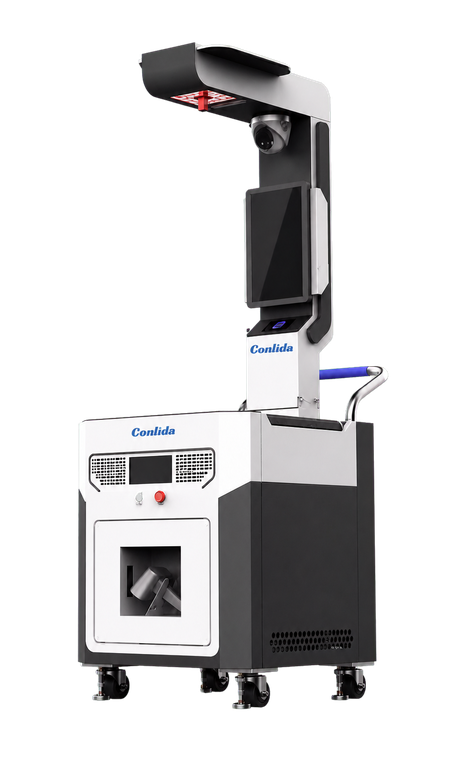
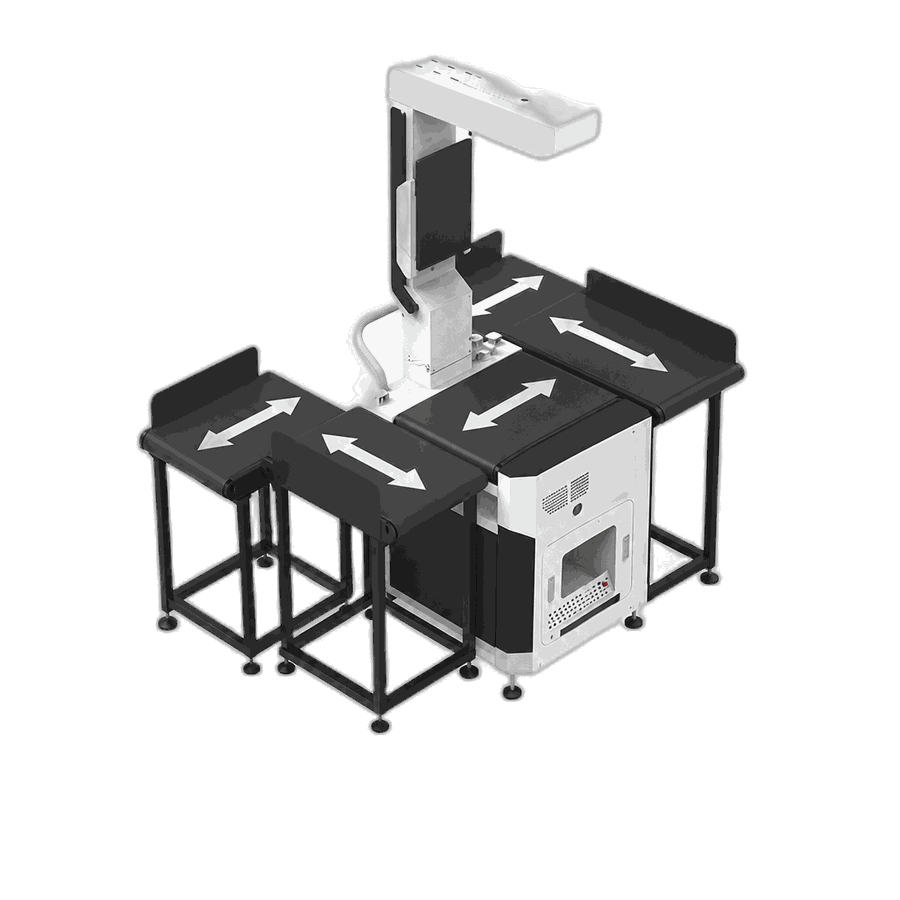
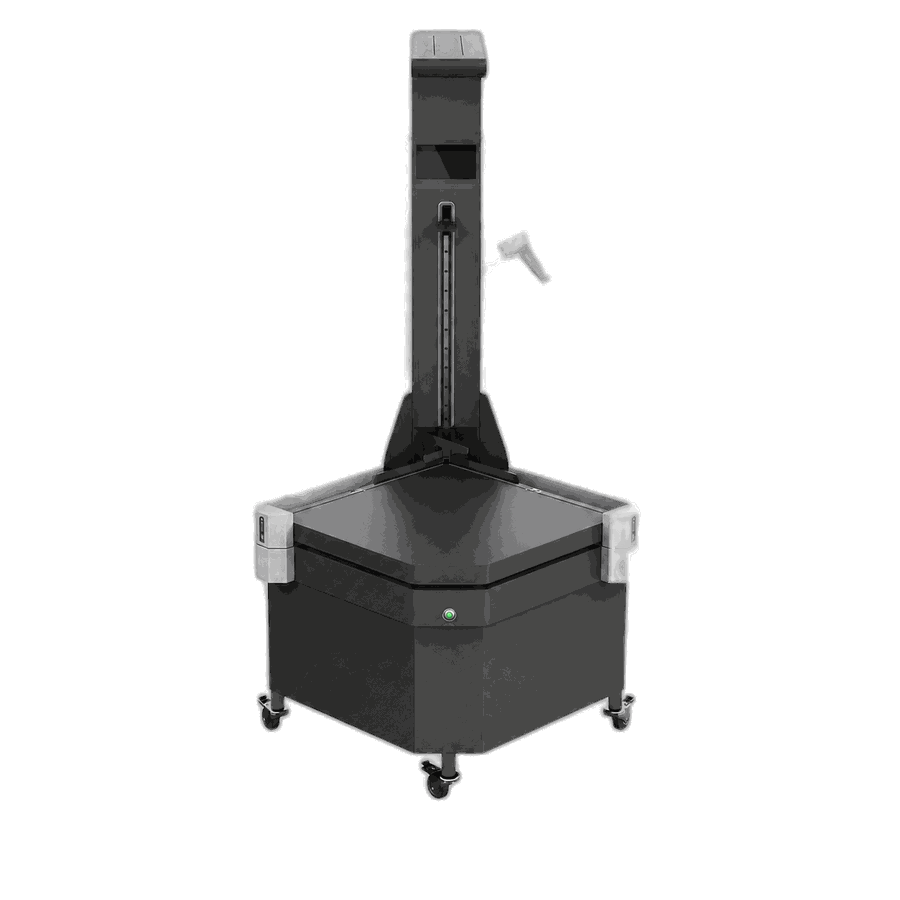
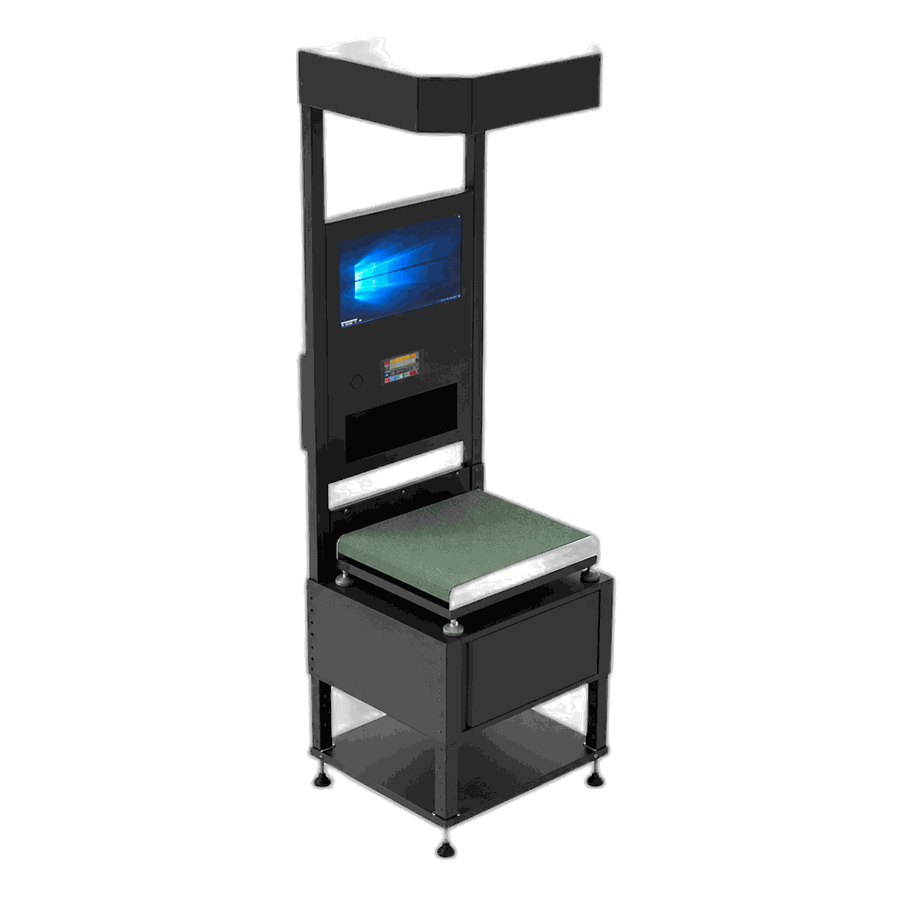
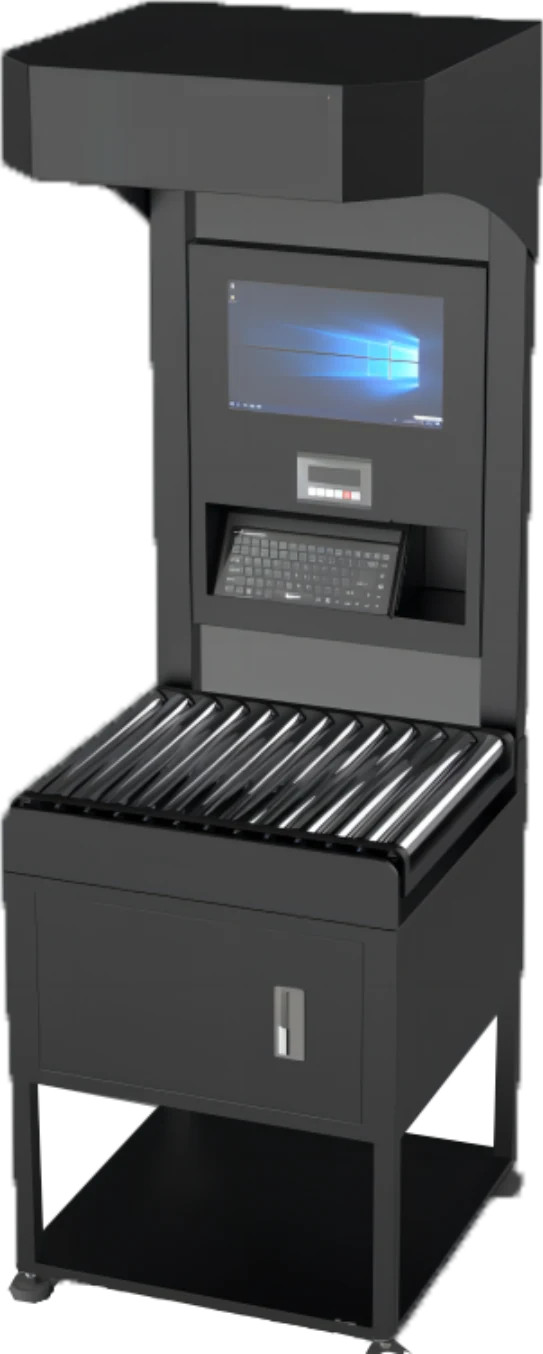
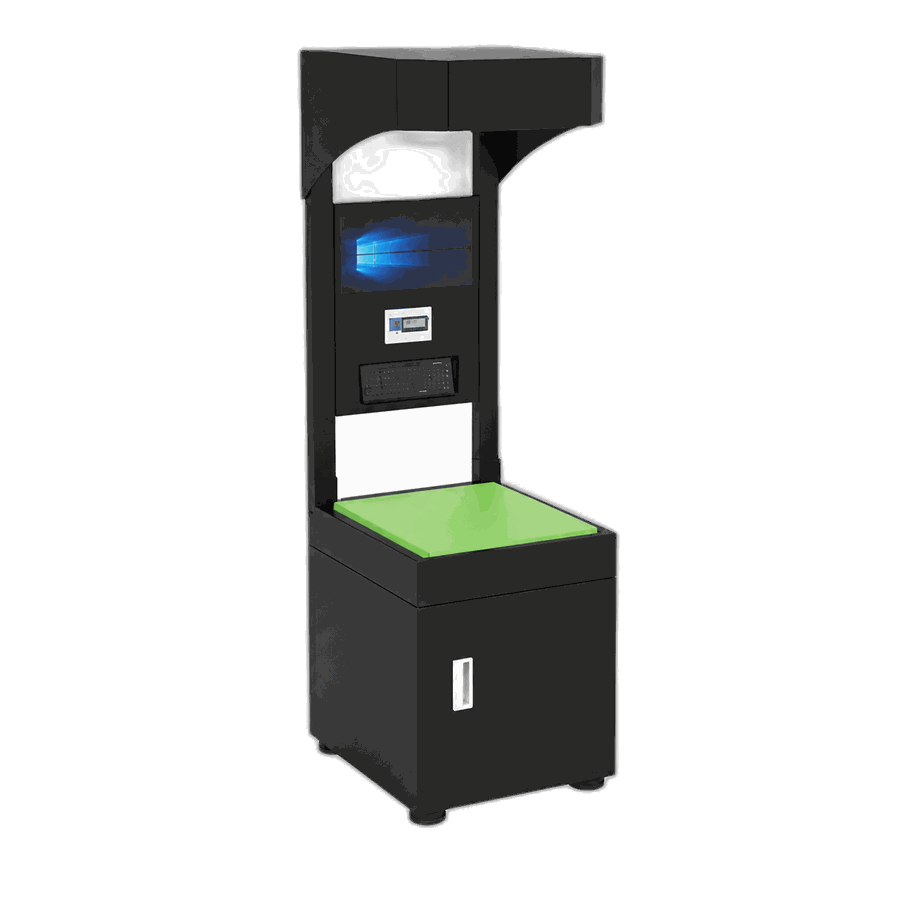
CONLIDA treats a parcel dimensioner as part of a physical logistics data-capture workflow. A suitable static or dynamic DWS configuration should be selected from the parcel profile, operating method and data contract—not from an unsupported headline speed or universal capability claim.
See how parcel dimensioning fits your workflow.
Sources
Comment