

How to Capture SKU Dimensions for WMS Without Corrupting Item Master Data
Capture SKU dimensions against the correct each, pack or case level, validate every observation and govern WMS item-master updates safely.
Sep 10,2026 | Jasper Lee

Direct answer: To capture SKU dimensions for a WMS, first identify both the SKU and its packaging level—such as each, inner pack or case. Measure length, width and height in a defined orientation, record explicit units and capture context, validate the result against identity and business rules, and only then approve an item-master update. Never let a valid measurement overwrite the wrong unit-of-measure record.

1. Decide which packaging level you are measuring
A SKU can have different physical records for an each, pack and case. Oracle WMS item fields distinguish unit, pack and case dimensions, while Infor WMS provides dimensions and weight by unit of measure. Therefore, scanning a barcode is not enough: the workflow must establish which sellable or handling level the barcode represents.
| Level | Typical object | Control question |
|---|---|---|
| Each | One individual item | Is this the base inventory unit? |
| Pack | A grouped inner pack | How many eaches does it contain? |
| Case | A shipping or storage case | Is the case barcode mapped separately? |
2. Define the measurement convention
Agree how length, width and height are oriented, which dimension and weight units are authoritative, and whether packaging is included. The same physical object can be described differently when orientation or packaging rules are left implicit. Store the observed values and units rather than relying on a receiving system to guess.
3. Bind identity before accepting measurements
A controlled station should associate the observation with the SKU, packaging level and measurement event. Useful traceability fields include a unique measurement ID, capture timestamp, station ID, operator or automated mode, and the source barcode. These fields help investigate duplicates, unexpected changes and remeasurements.
4. Validate before updating the item master
Validation should confirm that an item exists, the unit-of-measure level is known, all required values and units are present, and the observation is plausible under approved business rules. A failure should create a visible remeasure or review task. Numeric tolerances and acceptance thresholds are site-specific and must come from an approved operating policy—not from a generic article.
5. Use change control, not blind overwrite
Master data may drive slotting, carton selection, storage capacity, replenishment and shipping decisions. Decide whether a new observation creates a proposal, updates an empty field, or replaces an existing trusted value. Record who or what approved the change, retain the prior value where policy requires it, and make duplicate-message handling explicit.
Recommended capture record
| Data group | Examples |
|---|---|
| Identity | SKU, barcode, packaging level, UOM |
| Physical values | length, width, height, weight, explicit units |
| Context | measurement ID, time, station, capture mode |
| Quality | complete, no-read, remeasure, review reason |
| Governance | proposed value, approval status, previous value |
CONLIDA Engineering Note
Preserve the observation before deciding the update
The measured value and the approved master-data value are different records with different lifecycles. Retaining the raw observation, packaging-level identity and validation outcome allows a team to reject or remeasure without losing traceability.
Design the exception path at the same time
Plan what happens when the barcode is unknown, two packaging levels share a confusing identifier, the object cannot be measured reliably, or the WMS rejects an update. The physical item needs a clear route while the digital exception needs an owner and resolution record.
Where DWS fits
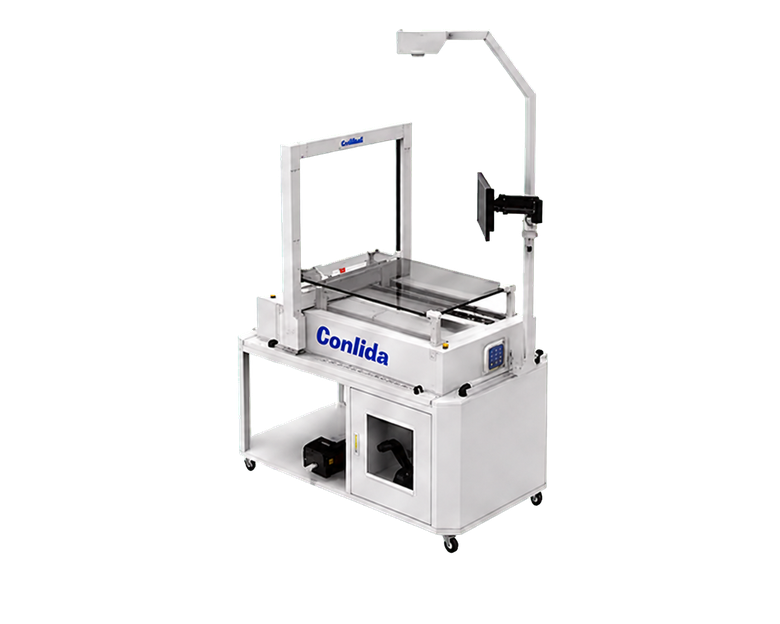
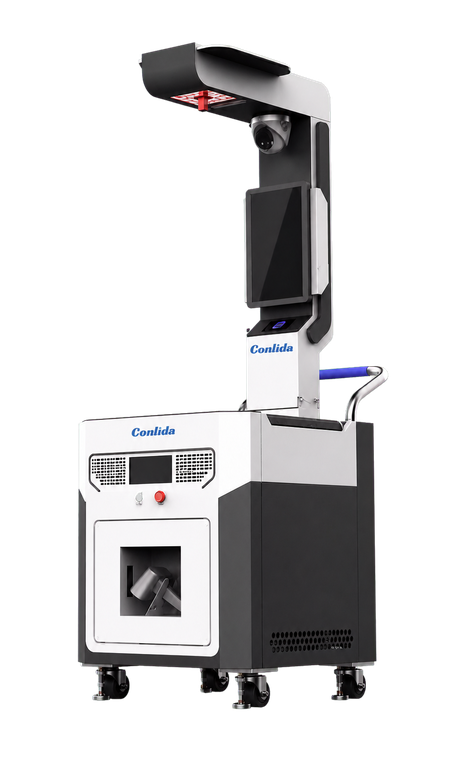
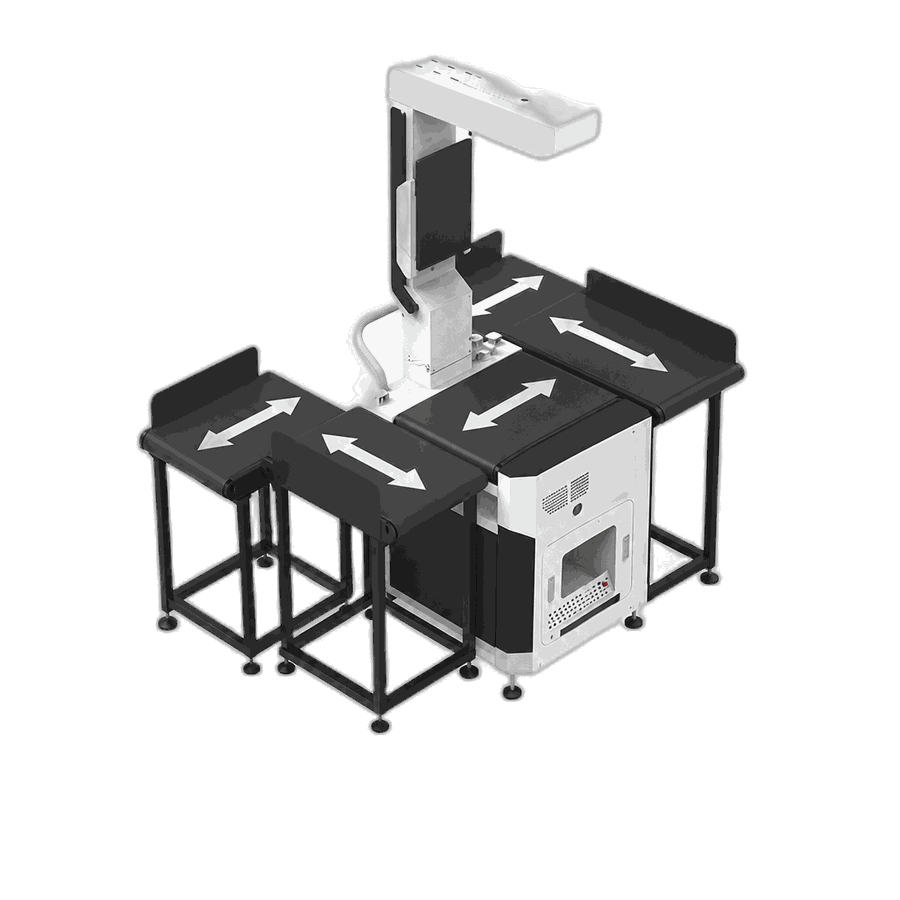
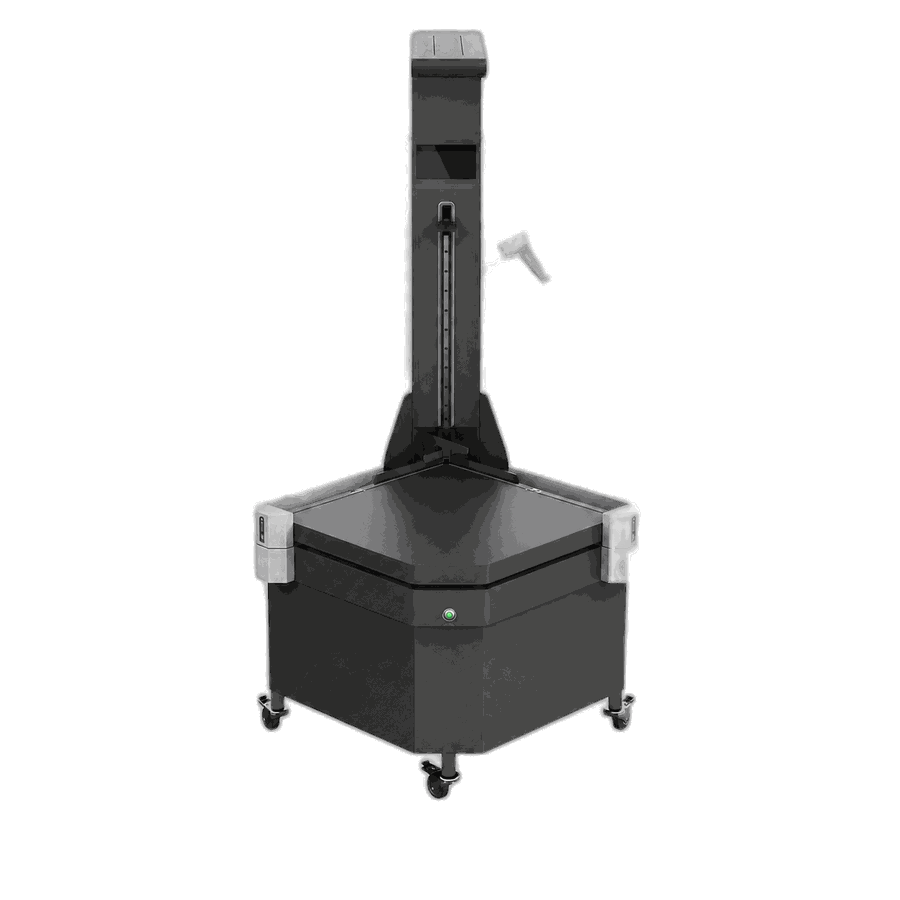
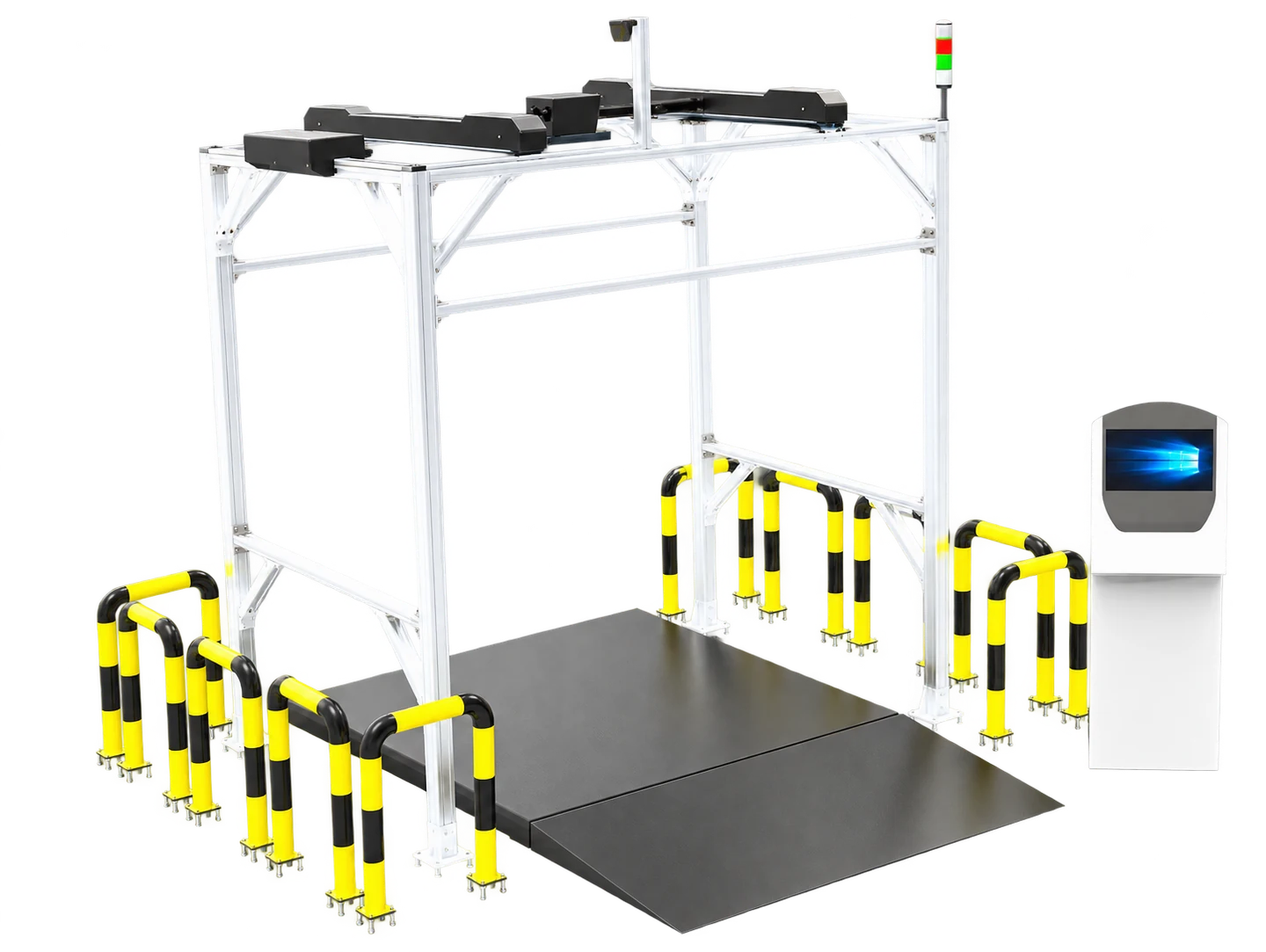
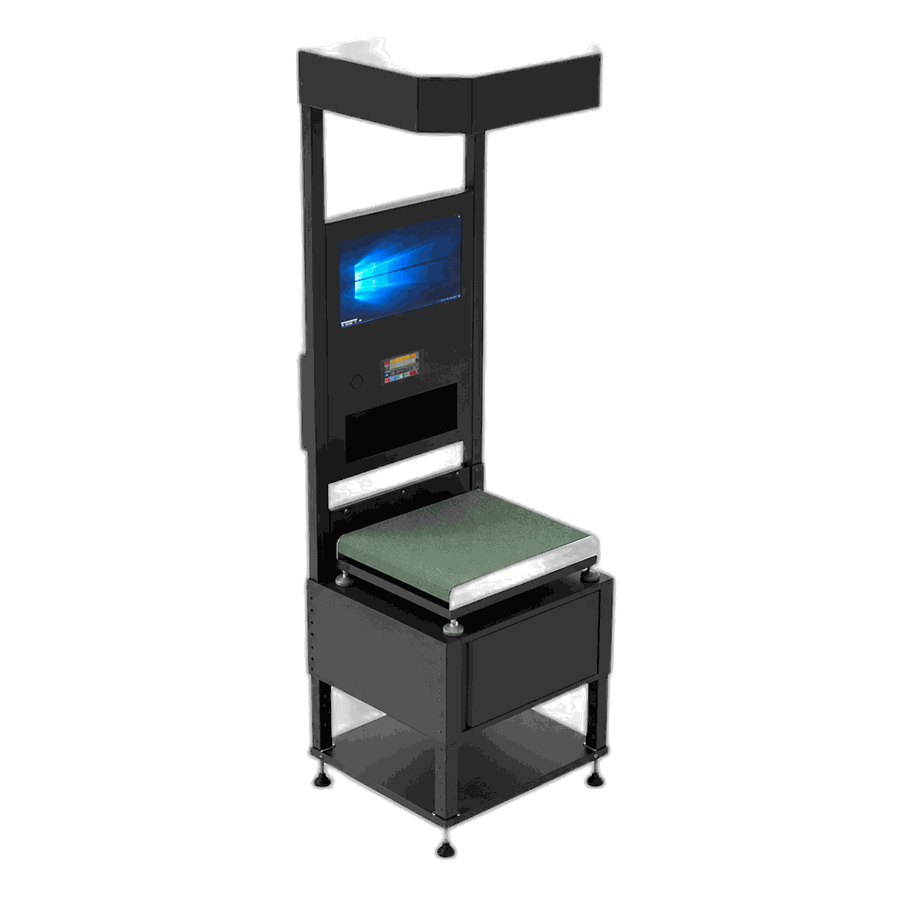
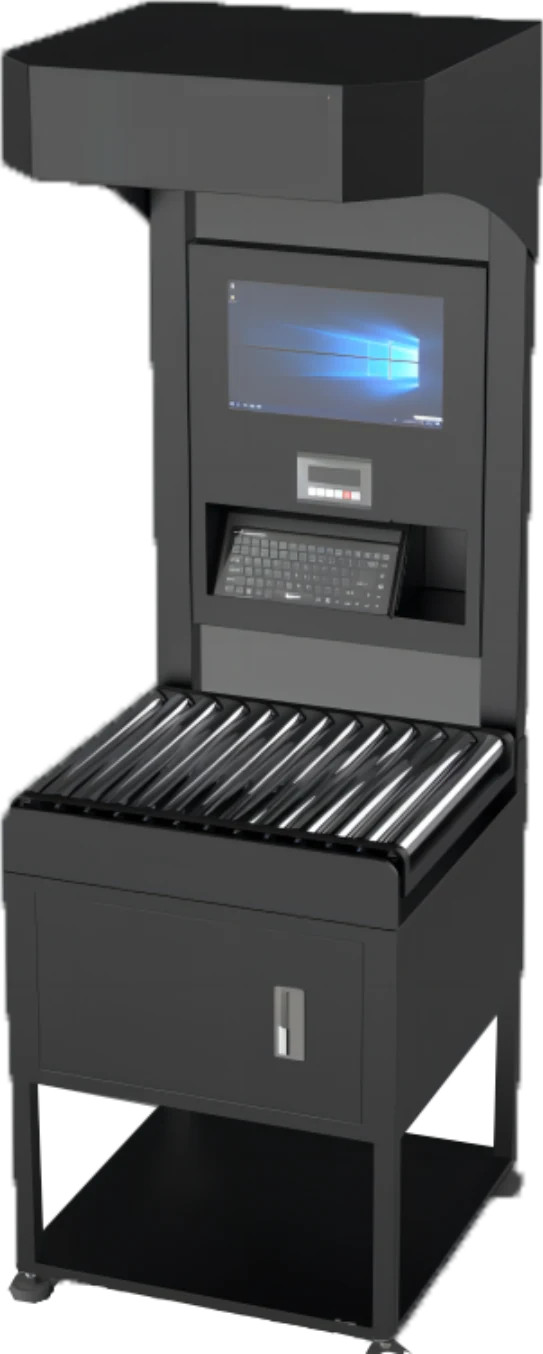
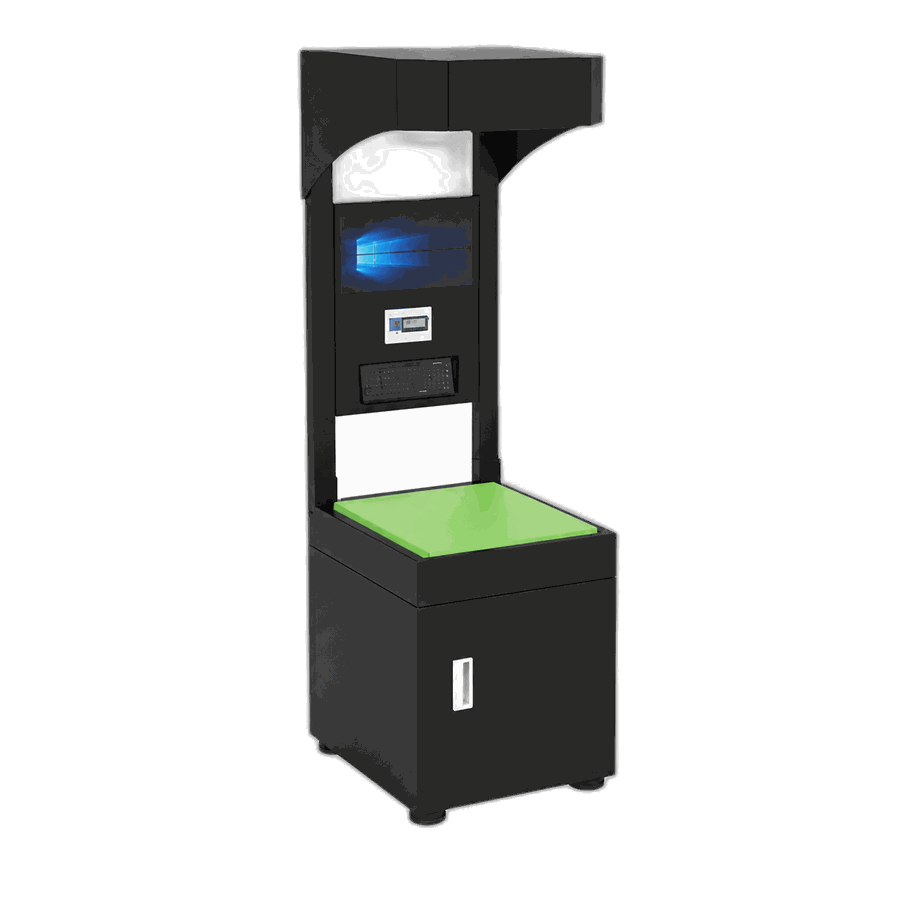
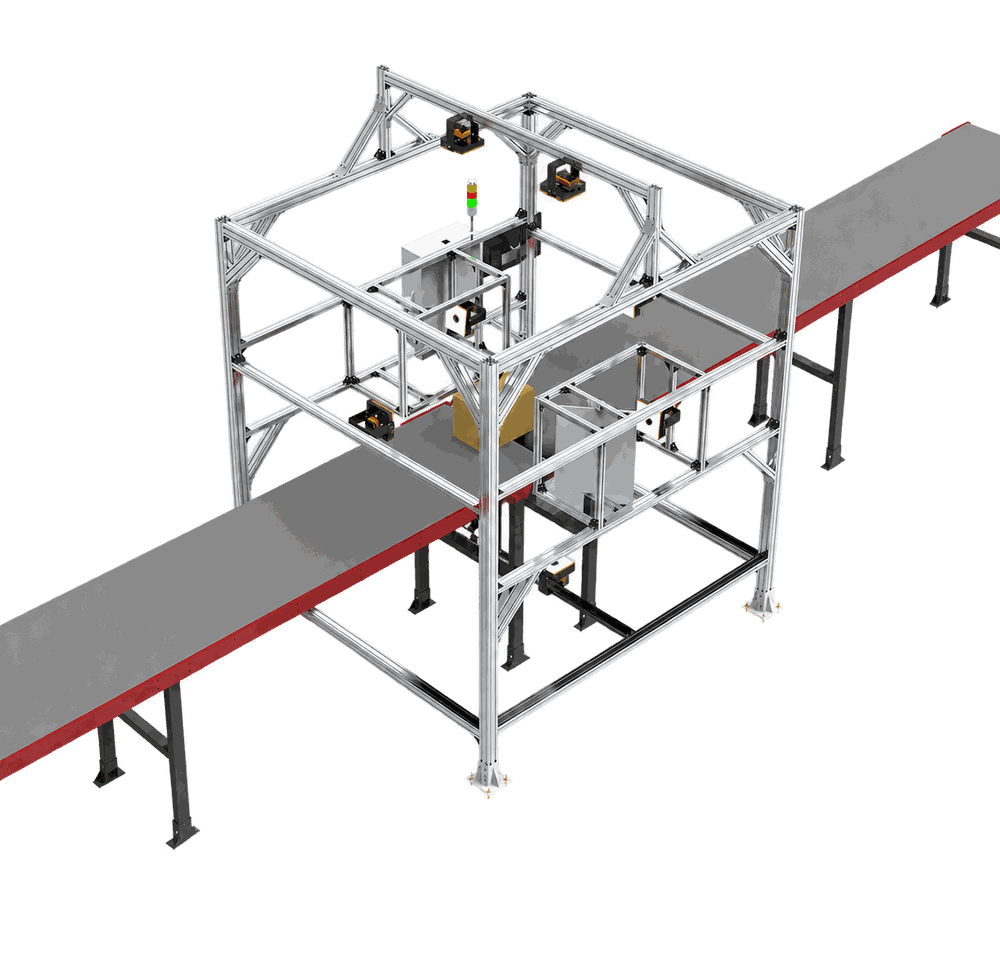
A suitable dimensioning, weighing and scanning workflow can reduce manual transcription and create a consistent observation record. The final design still depends on the SKU profile, packaging hierarchy, station process, approved data contract and WMS governance. CONLIDA can help scope the capture point and integration requirements without assuming one configuration fits every item.
Discuss your SKU master-data workflow.
Topic cluster and next step
- Parent concept article: What Is a DWS System?
- Related technical article: What Data Should a DWS Send to a WMS?
- Next-step buyer article: Seven Questions to Ask a DWS Supplier
- Relevant solution/use case: Review a SKU data-capture workflow
Related Questions
Should SKU dimensions be stored for each, case or pallet level?
Store dimensions against the packaging level actually measured. Each, inner pack, case and pallet values must not be treated as interchangeable.
Should a dimensioning station overwrite existing WMS values automatically?
Only under an approved governance rule. Many operations retain the observation first, validate it, and then approve the master-data update.
What fields should accompany SKU dimensions?
Include SKU and packaging-level identity, dimensions, explicit units, measurement ID, timestamp, station and quality status.
How should a WMS handle a failed SKU measurement?
Route it to review or remeasurement instead of storing incomplete values as trusted master data.
Sources
Comment