

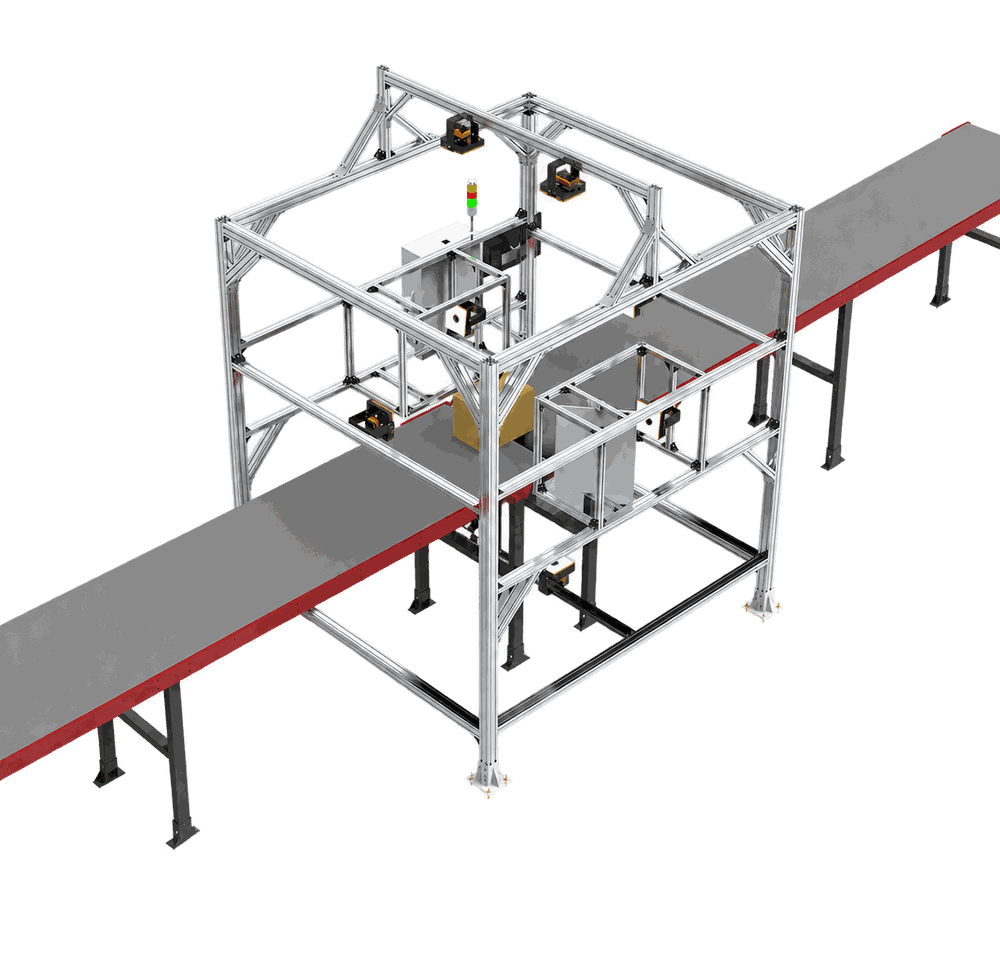
How to Design a Static DWS Workstation Around the Operator
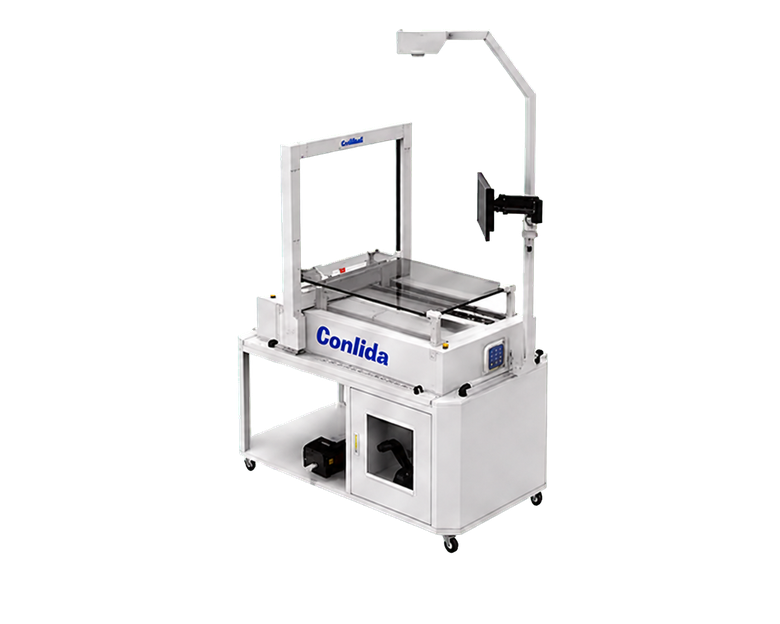
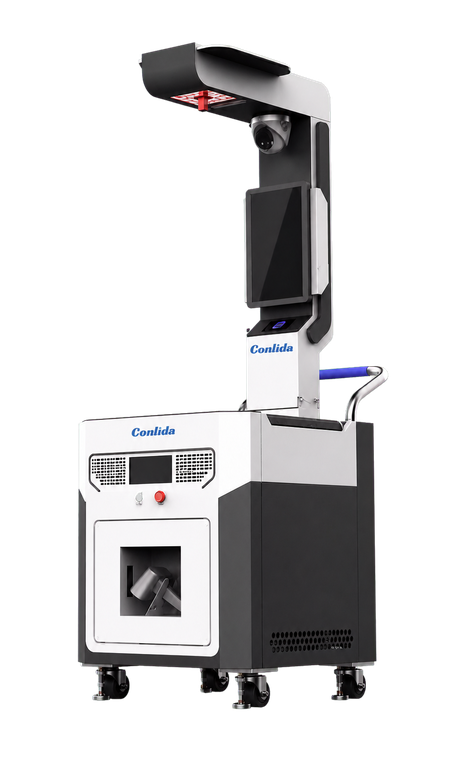
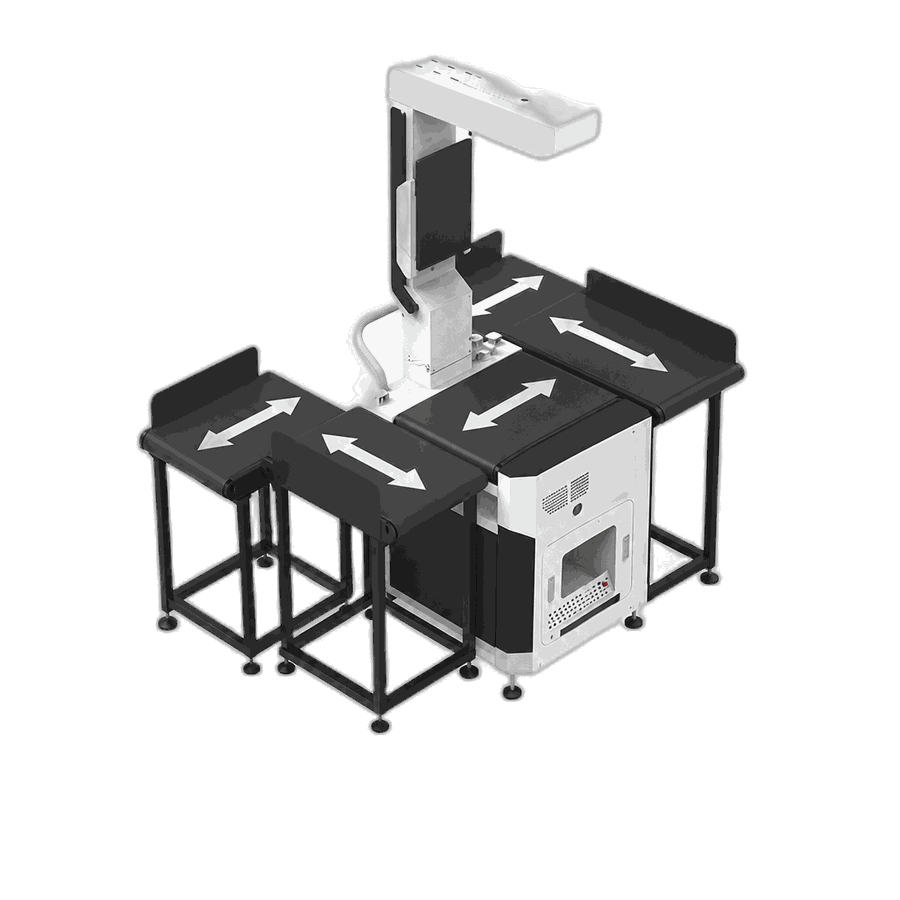
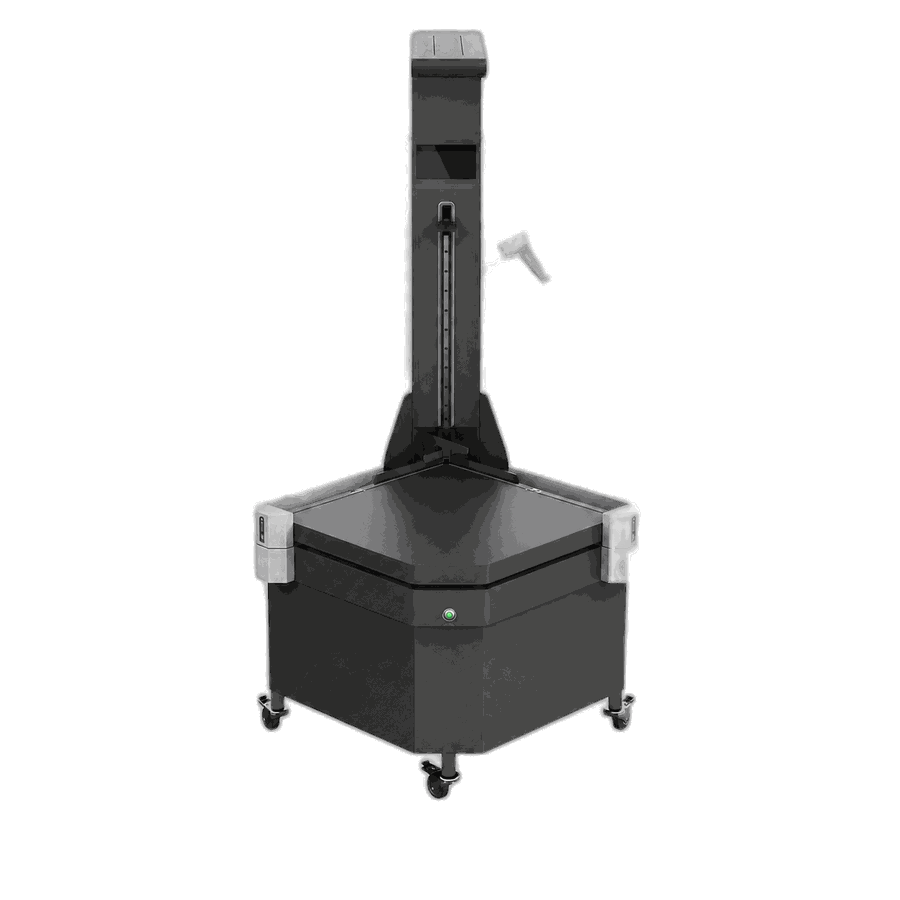
Design a static DWS workstation around presentation, reach, identity, measurement readiness, screen feedback and exception staging.
Sep 23,2026 | Jasper Lee

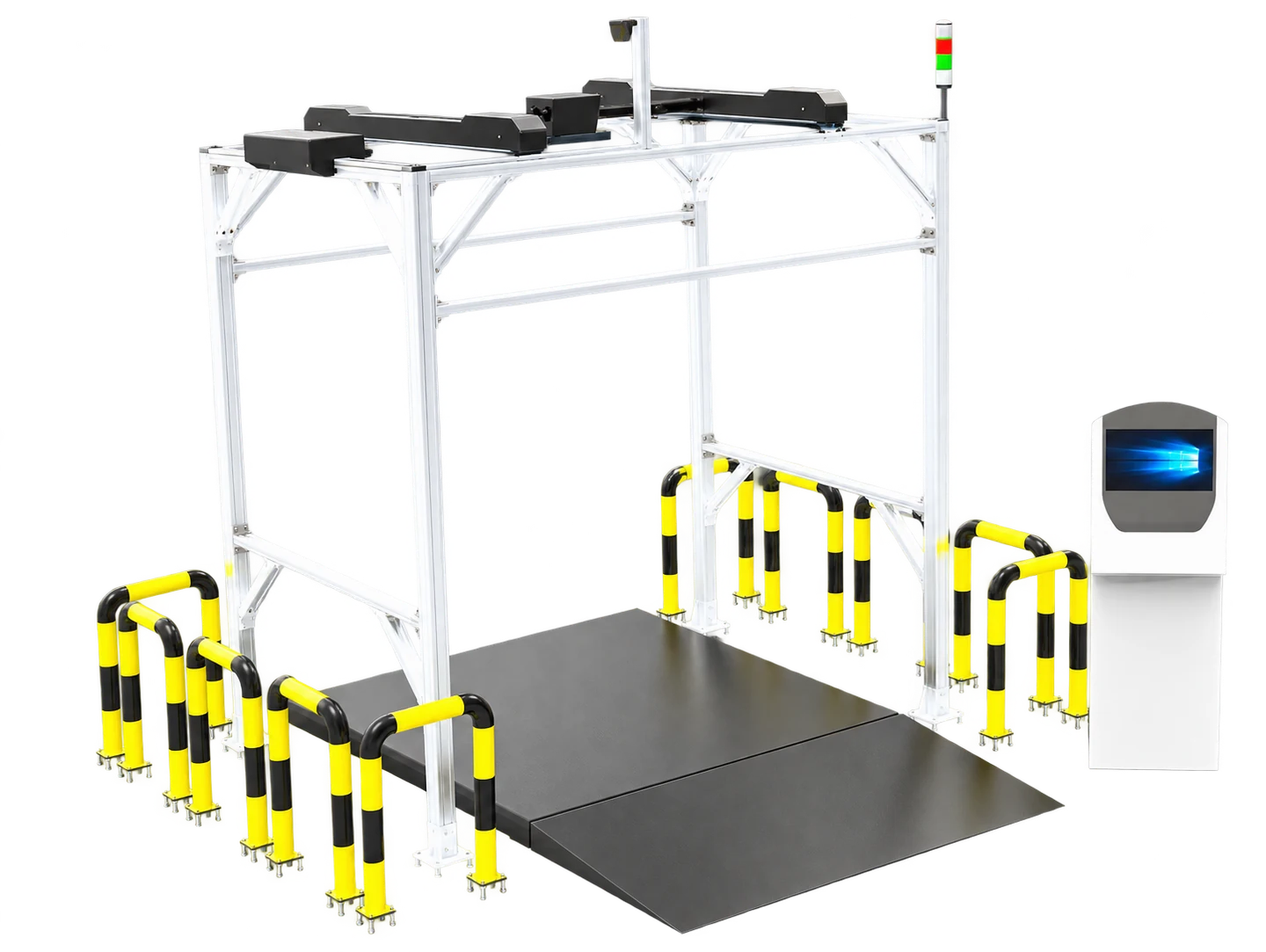
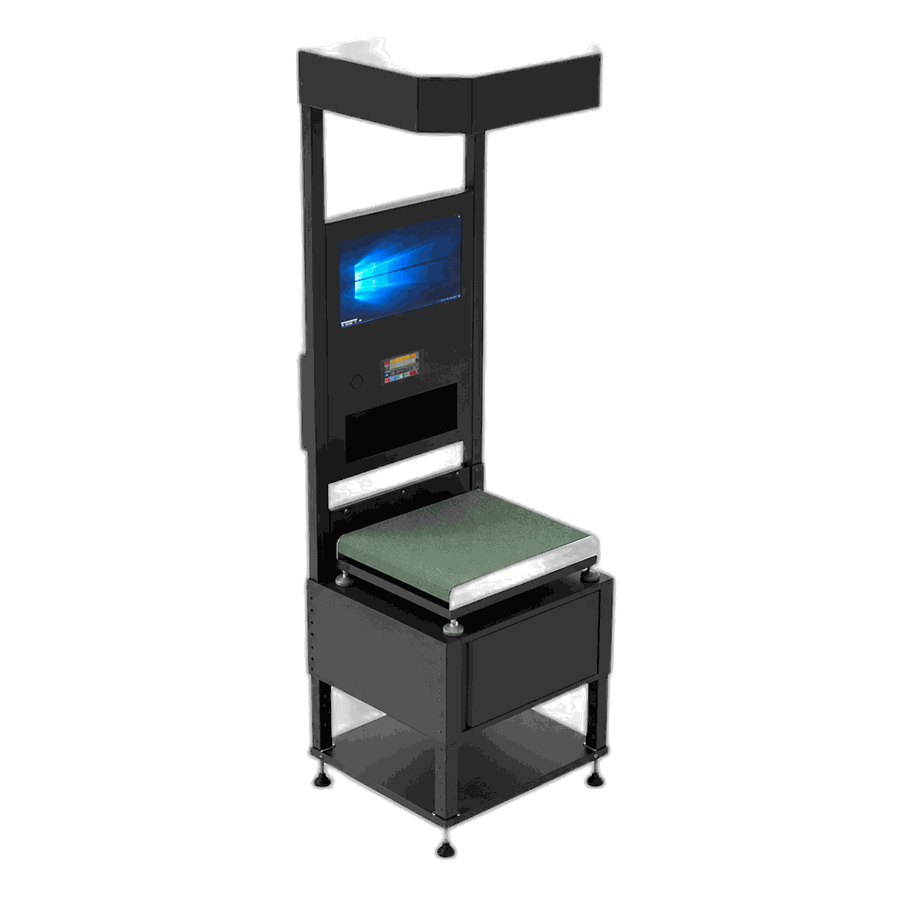
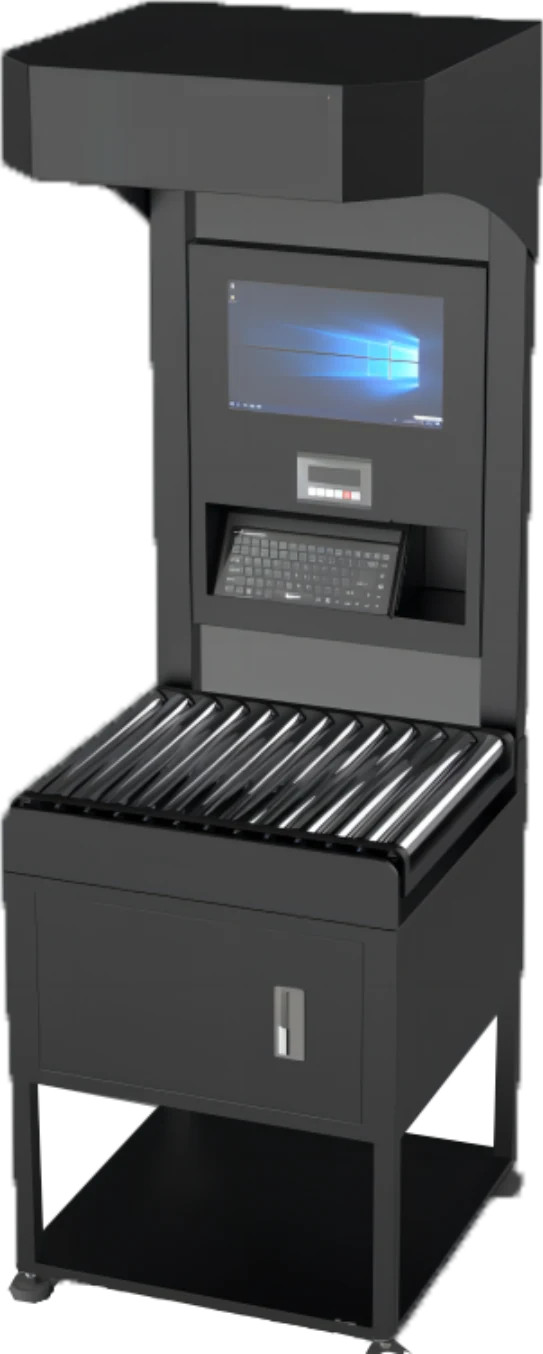
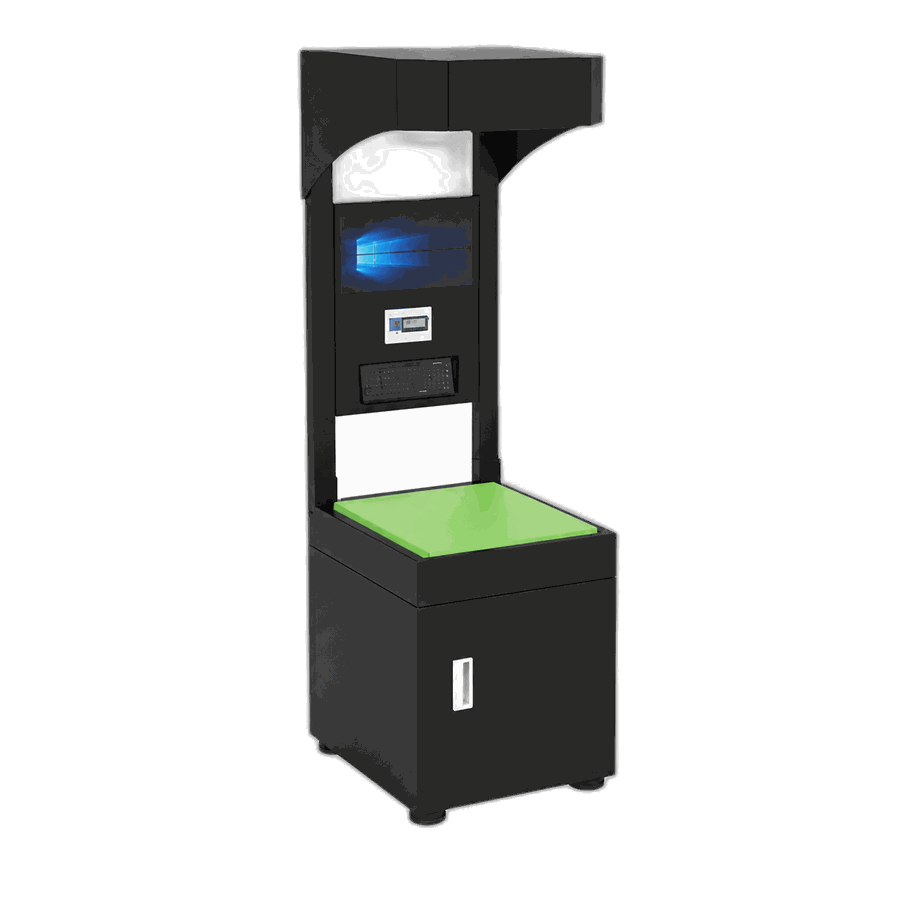
Direct answer: Design a static DWS workstation around the operator's sequence: pick the item, identify it and its packaging level, place it in a clear measurement zone, confirm a ready state, capture dimensions and weight, review the result, then route accepted and exception items separately. Equipment arrangement should reduce twisting, rescanning and accidental mixing of objects.
CONLIDA is a DWS specialist focused on parcel dimensioning and physical logistics data capture. The engineering objective is a traceable physical-to-digital record, not an isolated measurement claim.
Map the operator cycle
Observe where items arrive, how they are lifted, when identity is scanned, where accepted items leave and where exceptions wait. The fastest device cannot compensate for unnecessary handling.
Protect the measurement zone
Keep labels, tools, hands, loose packaging and queued items outside the active envelope. Provide an obvious ready or occupied indication.
Place feedback at the decision point
Show identity, packaging level, dimensions, weight, units and quality status where the operator can compare them without leaving the station.
Give exceptions a physical home
Unknown SKU, no-read, unstable and remeasure items need distinct staging so they cannot re-enter the accepted flow accidentally.
Failure modes to test
| Failure mode | Operational consequence |
|---|---|
| Scanner is outside natural reach | Operator skips or delays identity capture |
| Queue invades the sensing area | Nearby objects distort the envelope |
| Screen shows numbers only | Wrong SKU or packaging level goes unnoticed |
| No exception location | Rejected items mix with completed work |
CONLIDA Engineering Note
Static automation works best when the station makes the correct sequence easier than the shortcut. Use physical layout, ready-state feedback and separate exception space to encode the process instead of relying only on training text.
Implementation checklist
- Define the physical object and identity rule.
- Document the accepted measurement envelope and units.
- Assign ownership for quality status and exceptions.
- Test representative normal and failure cases.
- Verify acknowledgement, retry and reconciliation.
- Retain evidence and change-control history.
Topic cluster and next step
- Parent concept article: Static Vs Dynamic Dws
- Related technical article: Capture Sku Dimensions Wms
- Next-step buyer article: Questions To Ask Dws Supplier
- Relevant solution/use case: Review the application with CONLIDA
Sources
- OIML — OIML R 129-1:2020 — Metrological and technical requirements
- NIST — NIST Handbook 44 — Current Edition
- Oracle — Oracle WMS Output Interface
Related Questions
Does static DWS mean manual measurement?
No. The operator presents the object while the system can automate scanning, dimensioning, weighing and data transfer.
Where should the barcode scanner be placed?
Within the natural work sequence while keeping hands and queued objects clear of the measurement zone.
Should operators approve every result?
That depends on data governance and risk. Some workflows auto-accept valid events and surface only exceptions.
What items belong at a separate station?
Oversized, unstable, unusual-surface or master-data exceptions may need a dedicated controlled workflow.
Comment